
Managing your online reputation often feels like a full-time job on top of running your actual business.
You know you need social proof to grow, but figuring out where to focus your time and energy can be overwhelming.
After talking to a lot of small business owners, I found that many were stuck deciding between two popular options: Yelp vs Google Reviews.
You might be worried that focusing on the wrong platform means missing out on customers and sales. I understand the pressure to get this right so your hard work gets the visibility it deserves.
I will break down the pros and cons of Yelp vs Google Reviews so you can stop stressing and focus on the platform that brings you profit.
- Google Reviews vs. Yelp: Which One is Better?
- Verdict: Which One is Right For You?
- Bonus: How to Display Your Reviews in WordPress
- Conclusion
Google Reviews vs. Yelp: Which One is Better?
If you are in a rush, here is a quick breakdown of how these two heavyweights compare.
- Choose Google Reviews Best for: Small business owners and physical stores who want maximum visibility on Search and Maps for free.
- Choose Yelp Best for: Established service businesses or restaurants with a dedicated marketing budget that want to reach customers specifically looking for reviews.
My Overall Pick: I recommend using Both platforms if possible. Google Reviews are essential for local SEO and visibility, while Yelp is great for capturing high-intent customers who are looking for a specific service.
Ease of Use: Yelp vs Google Review
When you are running a business, you don’t have time to wrestle with complicated dashboards. I tested the setup process for both platforms to see which one lets you hit the ground running.
With Google Reviews, which is managed through your Google Business Profile, I found the interface incredibly intuitive.

You can verify your business, update hours, and respond to reviews directly from Google Search or Maps.
I also noticed that everything is centralized, so you don’t need to log into a separate third-party website to manage your presence.
Yelp requires you to claim your business page and manage it through the Yelp for Business Owners site or app.

While the dashboard is functional, I found it felt like a separate ecosystem from my daily workflow.
However, once set up, the app makes it fairly easy to reply to messages and view analytics.
Winner
Google Reviews (simply for its integration with tools you already use, though Yelp is still user-friendly).
Features: Yelp vs Google Review
I looked beyond the star ratings to see what tools these platforms actually give you to convert visitors into customers.
Google Reviews offers a suite of features that integrate seamlessly with how people use the internet.
I found the review summary feature particularly useful for informing users before they even check the reviews.

Plus, the integration with Google Maps means that your photos, updates, and reviews are instantly visible to people navigating to your location.
Yelp shines with features designed specifically for service and hospitality. I found their “Request a Quote” feature to be very powerful for contractors, and their reservation system is a standard for restaurants.

While some advanced features require a paid “Enhanced Profile,” the core toolset for managing a business listing is robust.
Winner
Tie (Google wins for general visibility; Yelp wins for service-based lead generation features).
SEO: Yelp vs Google Reviews
SEO (Search Engine Optimization) is critical if you want people to find your business without paying for ads. I analyzed how each platform impacts your organic search rankings.
In my experience, Google Reviews are the single most important factor for Local SEO.
When I search for a service like “plumber near me,” Google prioritizes businesses with strong Google Business Profiles and positive Google reviews in the search results.

However, Yelp still has immense domain authority. I frequently see Yelp “Top 10” lists ranking at the very top of organic search results for local queries.
By having a presence on Yelp, you increase your chances of appearing in those high-ranking lists, giving you a second way to capture traffic.

Winner
Tie (Google captures the Map Pack; Yelp captures the organic search results).
Social Proof: Yelp vs Google Reviews
Social proof is all about trust, and I wanted to see which platform’s reviews carry more weight with average users.
Google Reviews benefits from volume and accessibility. Since almost everyone has a Google account, I found that customers are far more likely to leave a review because the barrier to entry is so low.

This results in a higher number of reviews, which looks impressive at a glance.
Yelp is known for its “Elite” community of reviewers, and users often trust a long, detailed Yelp review more than a short Google rating.

While Yelp’s automated filter can be aggressive in hiding some reviews, the ones that remain are often seen as high-quality and trustworthy by consumers.
Winner
Tie (Google for quantity; Yelp for quality and depth).
From a Customer Perspective
Finally, I put myself in the shoes of a customer to see which platform offers a better user experience.
When using Google Reviews, I noticed there is almost zero friction. If I am already navigating to a store using Google Maps, a prompt pops up asking me to rate my experience.
With Yelp, the experience is more destination-based. Users specifically go to Yelp to read reviews and find businesses.

While it requires a separate app, I found that customers who use Yelp are often “high-intent,” meaning they are ready to buy and are just looking for the right option.
Winner
Google Reviews (for reducing friction, though Yelp users are often more serious buyers).
Verdict: Which One is Right For You?
As you can see, both of these platforms have a lot of benefits. Depending on the type of business, you can use either of these:
For Small Business Owners
If you are a small business owner wanting to promote your business online, start with Google Reviews. It is the quickest win for visibility and requires zero budget to see results.
For Larger Enterprises
If you are a larger enterprise with a marketing budget, you should definitely leverage both. You can value the reach of Google while using Yelp Ads to target specific demographics effectively.
For Physical Stores
For physical stores that don’t want to spend a lot on online marketing, prioritize Google Reviews.
Since it ties into Google Maps navigation, it is the most direct way to get foot traffic through your door.
But here’s the thing: you don’t have to stick with either when you can use Both platforms for your business.
Once you set up your brand’s Yelp and Google Reviews page, you don’t need to do extra work — just let the social proof roll in.
Bonus: How to Display Your Reviews in WordPress
Once you have collected these valuable reviews on Google and Yelp, you shouldn’t let them sit on those platforms alone.
By showcasing these reviews on your website, you can start converting visitors into paying customers.
For the simplest way to do this, you can just use the Reviews Feed Pro plugin.
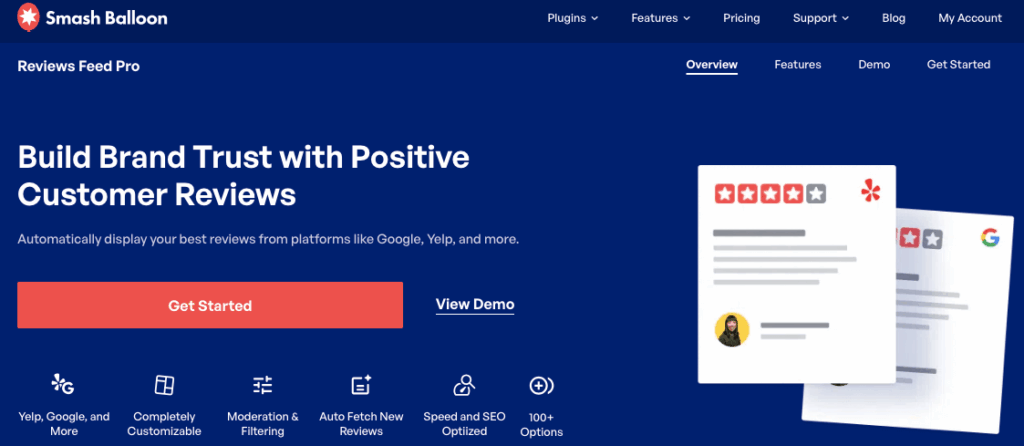
This tool makes it incredibly easy to display reviews from the biggest platforms out there, including Yelp, Google Reviews, Trustpilot, Facebook, Tripadvisor, and WordPress.org.
By displaying a feed of your top reviews right on your website or checkout page, you leverage social proof to build instant trust.

It automatically pulls in the latest reviews, so your site always looks active and trustworthy without you lifting a finger.
What’s more, you can use filters and moderation options to select high-quality reviews to display.

This is the secret weapon to turn casual website visitors into paying customers.
Ready to showcase Yelp and Google reviews on your site? Get started with Reviews Feed Pro today!
Conclusion
After testing both platforms extensively, my advice is to utilize both Google Reviews and Yelp.
They serve different purposes in the customer journey. Google helps people find you when they are searching broadly, while Yelp convinces them to choose you when they are comparing specifics.
Start by claiming your free profile on both. Encourage customers to leave reviews on the platform they prefer, and use Reviews Feed Pro to showcase the reviews on your own website.
Grab your copy of Reviews Feed Pro and start converting visitors with social proof.
Want more ways to promote your business online? You can check out this list of the best social media marketing tips for small businesses.



