Social Wall
  Feed Analytics

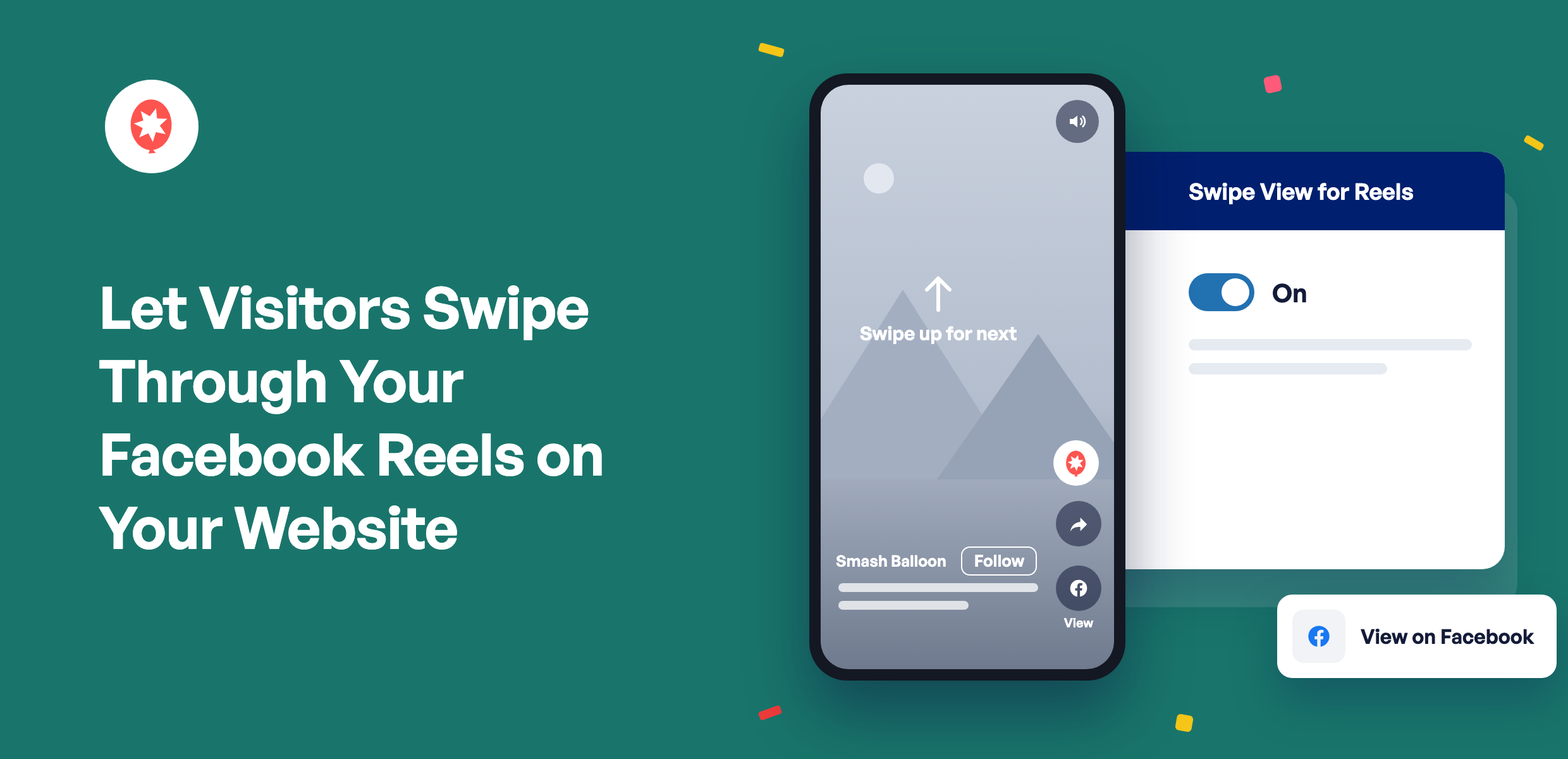
You put real work into your Facebook Reels. Your website can now play them the way Facebook does.
With Smash Balloon Facebook Feed Pro 4.14.0, a Reel in your feed opens in a full-screen player with sound. Visitors watch and swipe to the next one without leaving your site, and Follow and Share buttons sit right there on every Reel.
Facebook Feed Pro is the Smash Balloon plugin that shows your Facebook Page’s posts on your WordPress site and keeps them up to date with no code. Swipe View for Reels comes with every Pro plan, Basic, Plus, and Elite, and with the All Access Bundle.
Turn it on and you can:
- Let visitors watch your Reels full-screen, with sound, on your own page
- Keep them watching with a swipe to your next Reel
- Show your Page name and a Follow button on every Reel
- Let people share a Reel or open it on Facebook in one tap
Your Reels Play Full-Screen, Right on Your Site
A tap on a Reel opens a tall player that fills a phone screen, or sits centered on a dark background on a computer. It plays with sound straight away, and if a visitor’s browser starts it muted, a Tap to unmute label shows them how to turn it on.
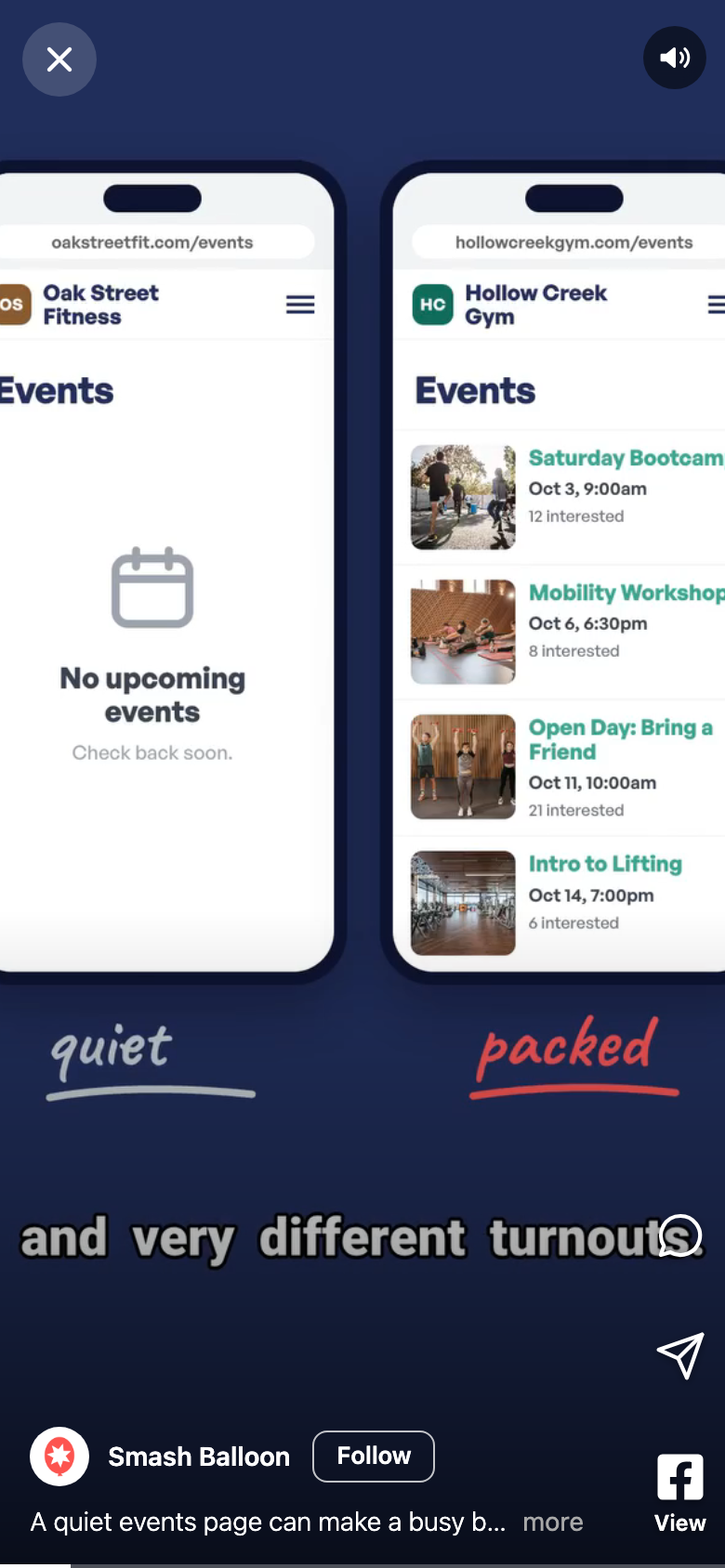
Your Page name and a Follow button sit under every Reel, with the caption right below. Share sends that Reel to a friend, through the phone’s share menu or a copied link on a computer, and the View button opens it on Facebook for anyone who wants to like it or comment.
One Reel Leads to the Next
Visitors move through the Reels in your feed, in order. On a phone, they swipe up for the next one and down to go back. On a computer, they click the arrows beside the player or use the scroll wheel. Keyboard users can use the arrow keys, the space bar to pause, M to mute, and Escape to close.
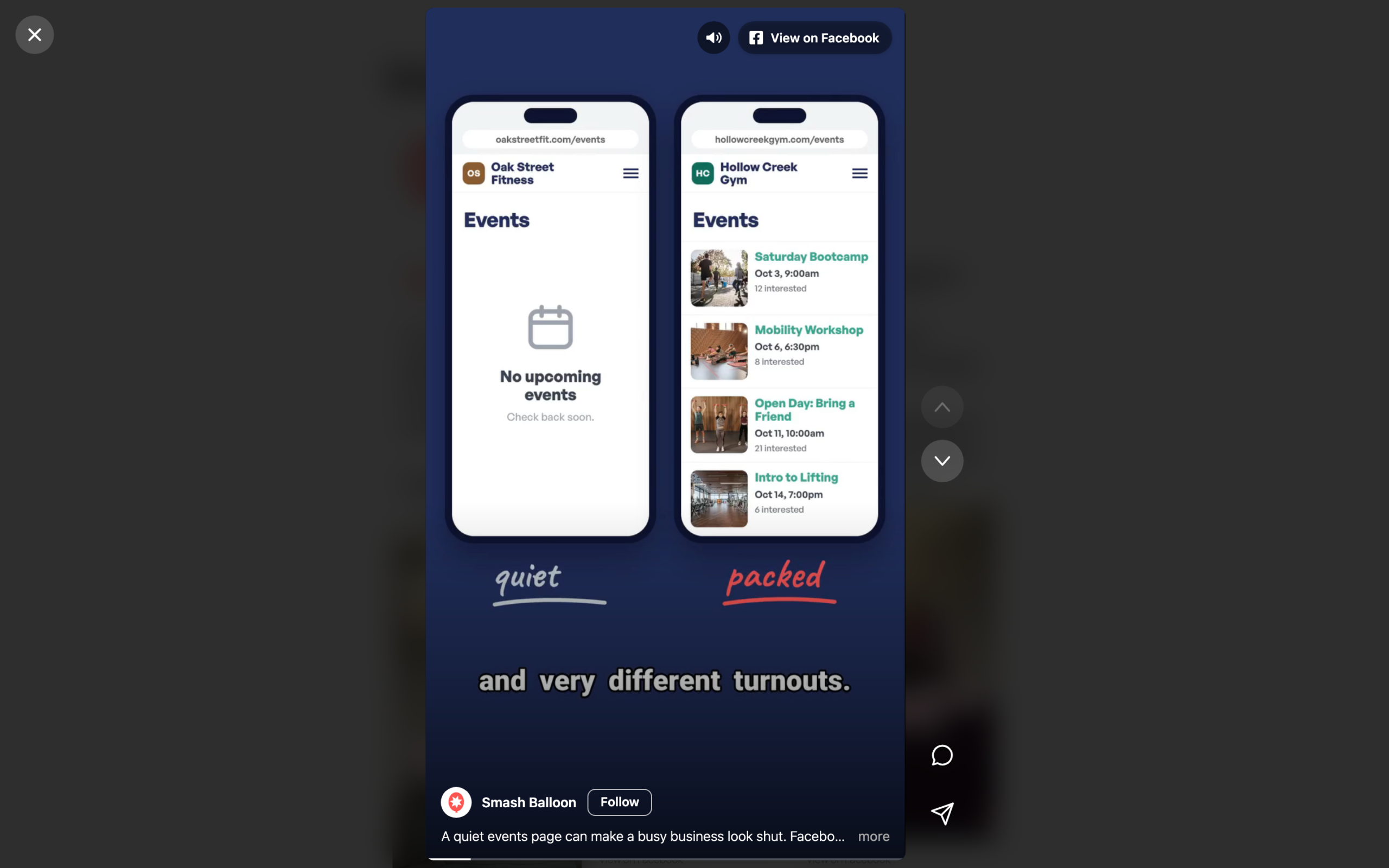
Only Reels open in the swipe player. Photos, links, and regular videos in the same feed keep opening in the pop-up lightbox, just like before.
Want your Reels to play like this on your site?
Swipe View for Reels comes with every Facebook Feed Pro plan, Basic, Plus, and Elite, and with the All Access Bundle. Update to 4.14.0 and switch it on in a minute. Backed by a 14-day money back guarantee.
Get Facebook Feed ProWhat Swipe View Can Do for Your Business
- Introduce your business on your homepage. A few swipes through your Reels show visitors who you are faster than a page of text.
- Run a restaurant, salon, or gym? Your behind-the-scenes Reels play full-screen on the page where people book or order.
- Keep visitors on your site longer, since every Reel plays on your page instead of sending them off to Facebook.
- Grow your Facebook following from your website with the Follow button on each Reel.
- Make your Reels easy to pass along. One tap shares the exact Reel someone just watched.
- Keep your pages fresh without editing them. New Reels you post show up in your feed on their own.
Turn On Swipe View for Reels in Three Steps
Swipe View for Reels is on every Facebook Feed Pro plan and the All Access Bundle. It’s off until you switch it on, and once it’s on, it’s on for your whole site, so there’s nothing to set up feed by feed.
1. Update to Facebook Feed Pro 4.14.0
Go to Dashboard » Updates, or Plugins » Installed Plugins, and run the update.
2. Switch On Swipe View for Reels
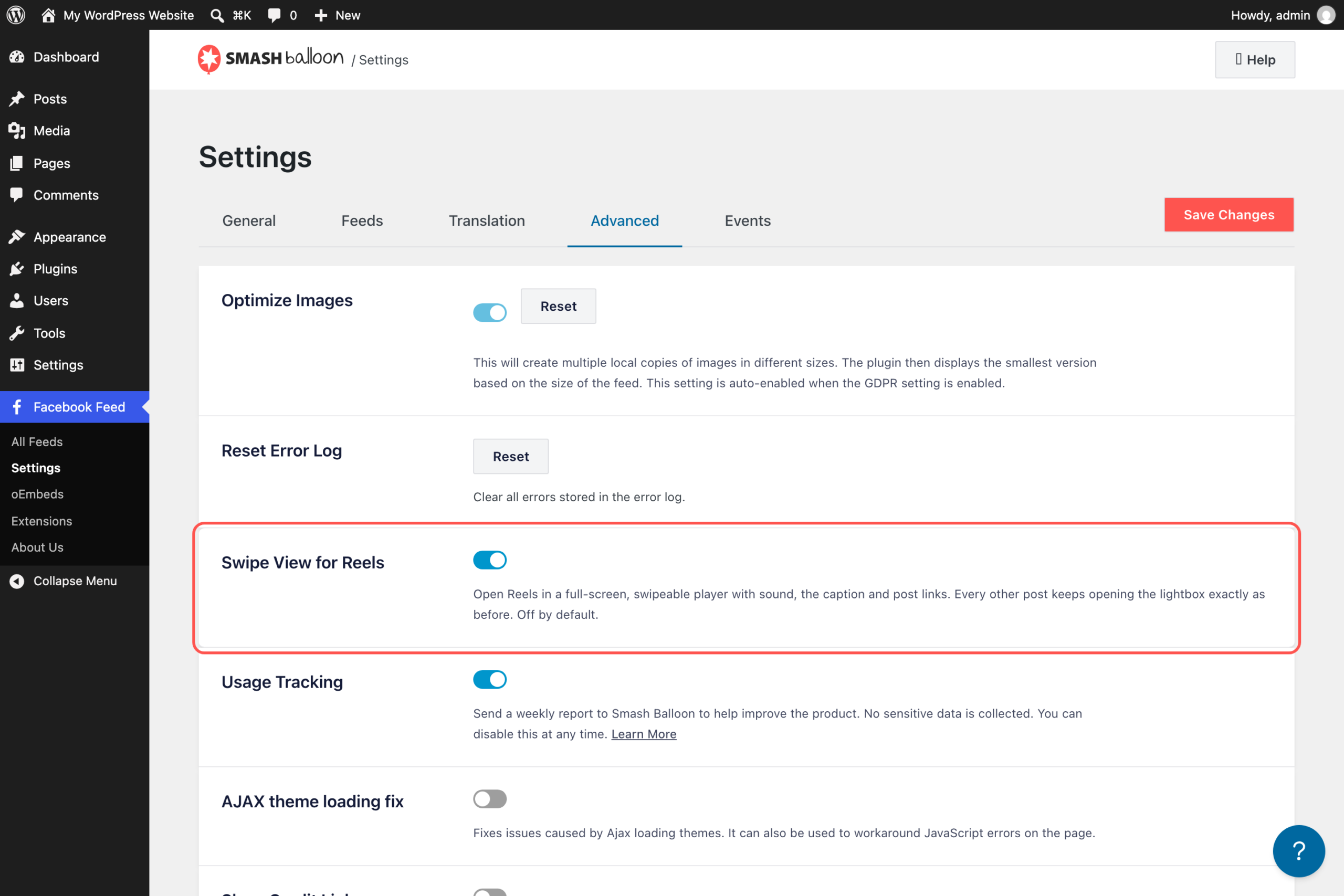
Go to Facebook Feed » Settings and open the Advanced tab. Turn on Swipe View for Reels, then click Save Changes.
3. Show Your Reels in a Timeline Feed
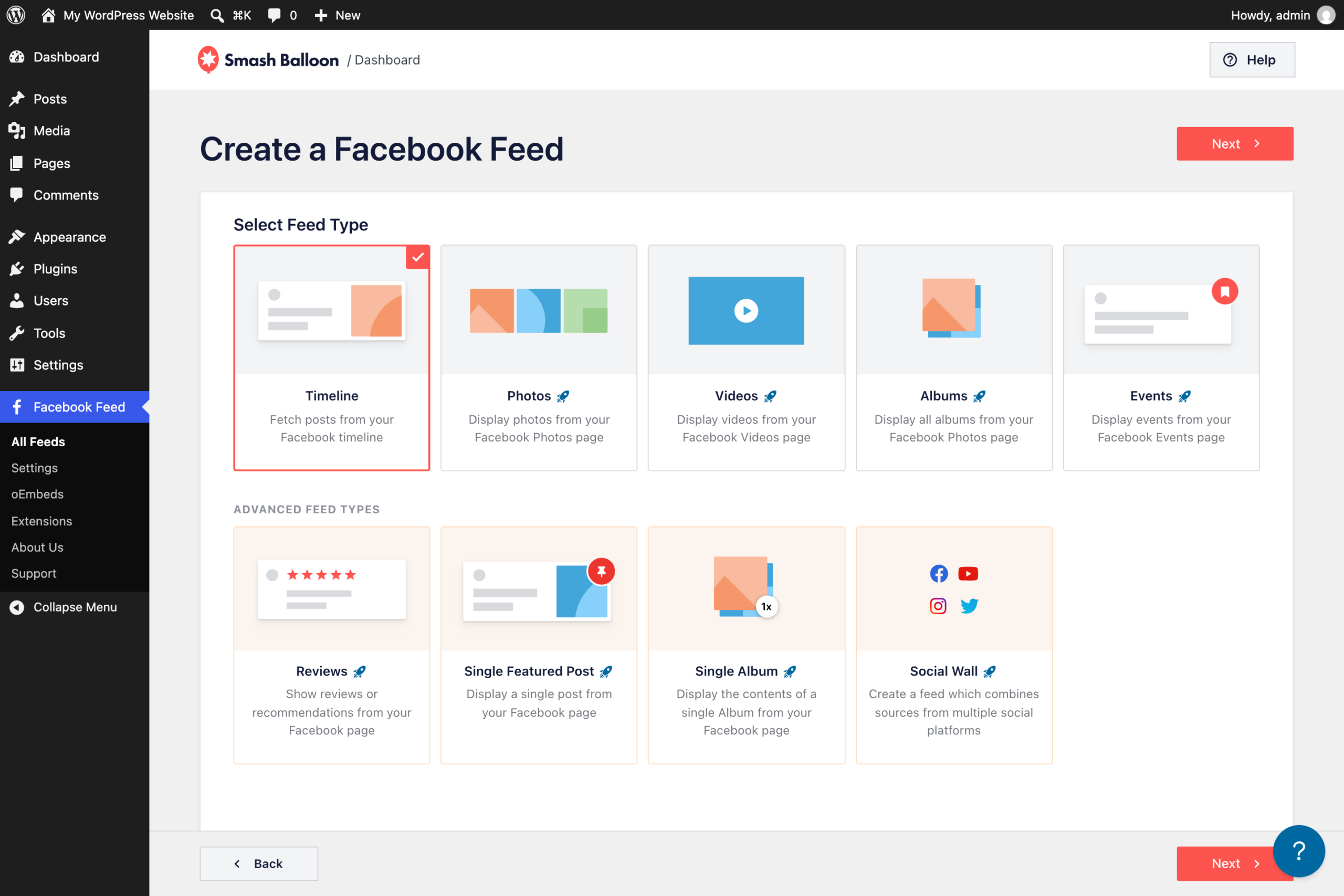
Already showing your Page’s posts? Your Reels are in that feed, so you’re done. If not, go to Facebook Feed » All Feeds, click Add New, choose Timeline, pick your Facebook Page, and add the feed to a page.
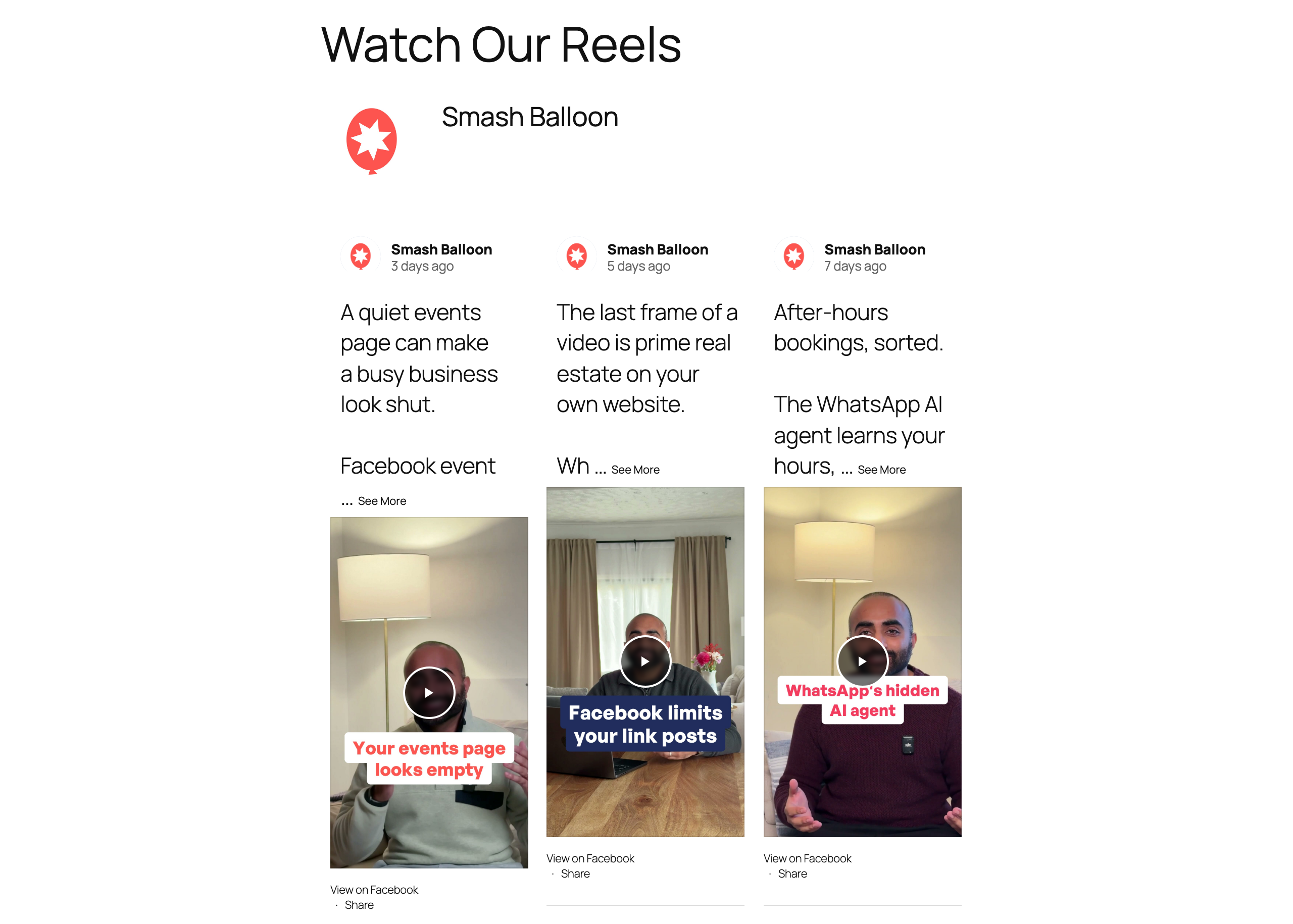
Then open the page and tap a Reel to try it.
Good to Know
Which plans include it?
Every Facebook Feed Pro plan, Basic, Plus, and Elite, plus the All Access Bundle.
Will my other posts open differently?
No. Only Reels open in the swipe player. Everything else keeps opening in the lightbox.
Can I turn it off later?
Yes. Switch off Swipe View for Reels under Facebook Feed » Settings » Advanced, and Reels go back to opening in the lightbox.
What if a visitor’s browser blocks sound?
The Reel starts muted and a Tap to unmute label appears, so sound is one tap away.
Swipe View came to Instagram Reels, YouTube Shorts, and TikTok in the same round of updates. Here’s how Instagram Reels play full-screen, how to give your Shorts their own feed, and how visitors can swipe through your TikToks.
Give Your Facebook Reels a Bigger Stage
Your Reels are already made. With Swipe View, the people visiting your website can watch them full-screen and follow your Page while they’re at it.
- On Facebook Feed Pro already? Update to 4.14.0 and turn on Swipe View for Reels.
- Using the free Smash Balloon Facebook Feed? Upgrading to Pro adds Swipe View on top of everything you already have.
- New to Smash Balloon? Facebook Feed Pro puts your Facebook posts and Reels on your site in a few clicks.
Let visitors swipe through your Facebook Reels
Swipe View for Reels is on every Facebook Feed Pro plan and the All Access Bundle. Backed by a 14-day money back guarantee.
Get Facebook Feed Pro