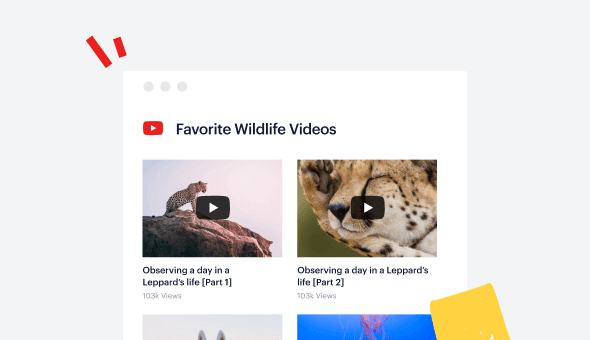
See YouTube Feed Pro in Action
Get the Plugin
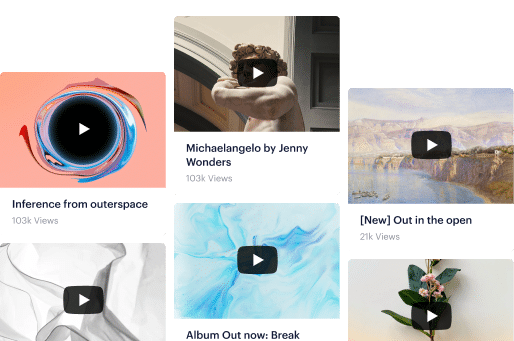

Social Wall
The Social Wall plugin integrates effortlessly with all of our plugins and allows you to create a social media wall that brings all of your content into one place where you can engage website visitors and grow followers for all of your channels. Get the bundle to display Instagram, Facebook, Twitter, and YouTube content all in one single wall.
Has a customer ever told you "ChatGPT recommended you"? Or recommended someone else? 👀
When ChatGPT picks a business, you can ask it where it got that. It'll list the pages it read, like Google reviews, a couple of directories and the business's own website.
…
So try it for your business tonight. Ask who it recommends in your town, then ask where it got that. If it names your website, make sure the first thing it finds is your real reviews and something from this month.
The plumber in the demo is a made-up example.
Send this to someone who runs a local business.
#ChatGPT #SmallBusinessTips #LocalBusiness
How To Get Your Business Recommended By ChatGPT
You don't need an agency to find out what's wrong with your website
Once you connect Claude to WordPress, one prompt gets it reading every page like a first-time customer would.
The footer year, old holiday hours and a stale Instagram section are the things you stop …seeing on your own site.
What's the oldest thing on your homepage right now?
#smashballoon #connectclaudetowordpress #wordpress
How To Connect Claude To WordPress And Check Your Website
How To Hide An Instagram Post From Your Website Before Black Friday
Is your website still showing last month's sale? 👀
If you ran a deal in October, that post is probably still sitting in the Instagram feed on your website. On Black Friday, someone spots it and wonders which offer is the real one.
With Instagram Feed Pro you can hide that …one post from your website's feed and it stays on your Instagram. Do the same with anything that's sold out, so nobody falls for something they can't buy.
Mock shop, built on WordPress with Instagram Feed Pro by Smash Balloon.
Getting ready for Black Friday? Send this to whoever runs your website.
#BlackFriday #SmallBusinessTips #WordPress
Your best reviews shouldn't be hiding on a page nobody clicks 👀
On Black Friday, shoppers decide on your product page. So put your reviews there. A little popup in the corner that cycles through your real reviews, on the pages you pick, set to four stars and up.
Mock shop,… built on WordPress with Reviews Feed Pro by Smash Balloon.
Got a Black Friday sale coming? Send this to whoever runs your site.
#BlackFriday #SmallBusinessTips #CustomerReviews
How To Show Reviews On Your Product Page Before Black Friday
Instagram Feed Pro WordPress Plugin: Full Setup (2026)
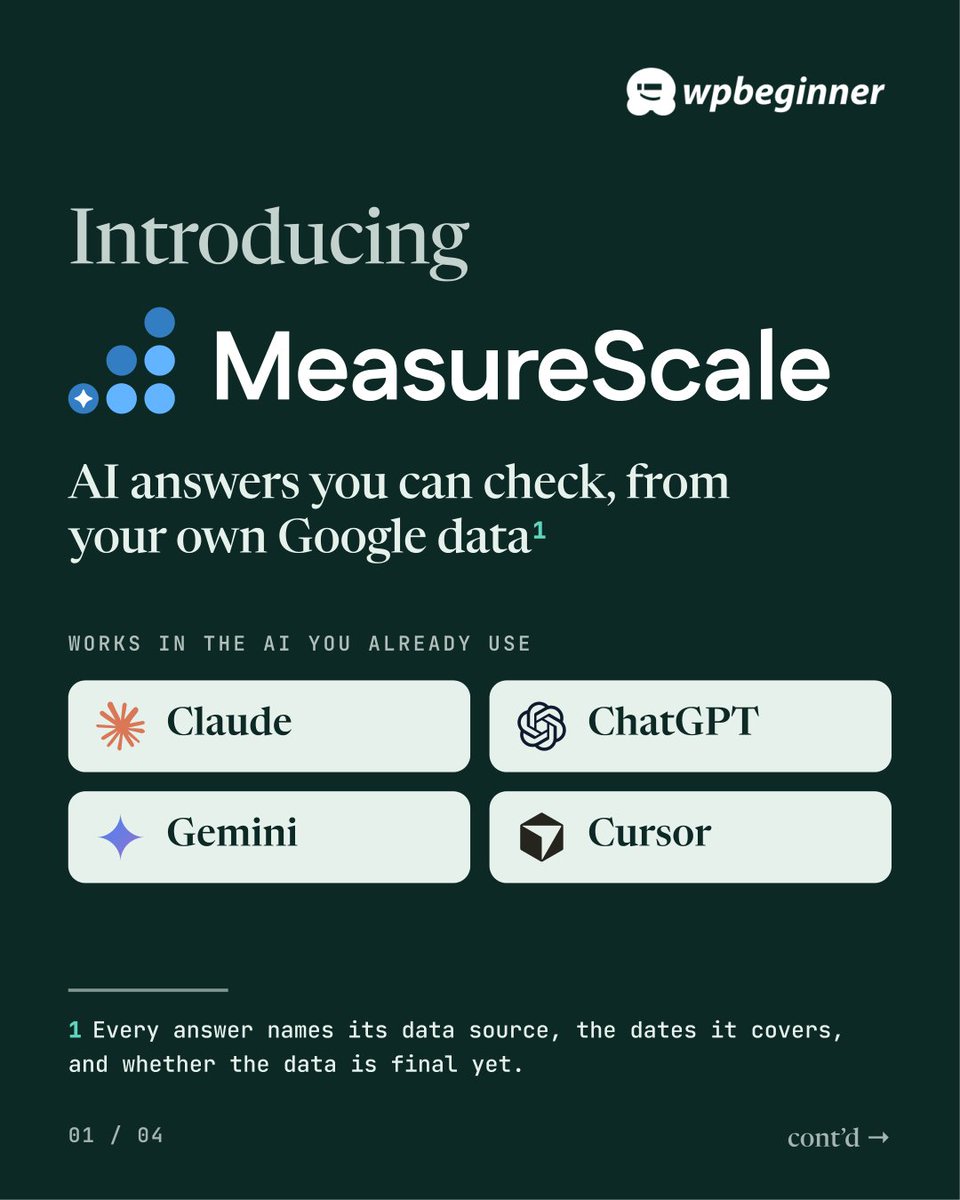
We are excited to introduce https://MeasureScale.com, connecting Google Search Console, Analytics, and Google Ads to the AI you already use. 😁
When you connect Google data to AI, it usually gets raw numbers with no context. The answers sound sure, but you can't tell a real
Same website, one extra section, completely different first impression.
Dentist? Add your Google reviews. Coffee shop? Show today’s Instagram so people know you’re open. Personal trainer? Add your TikToks so they can see a session before they book.
Mock sites, built on …WordPress with Reviews Feed Pro, Instagram Feed Pro and TikTok Feed Pro by Smash Balloon.
Send this to a mate who owns a business.
#WebsiteIdeas #SmallBusinessTips #SmallBusinessWebsite
What does your website show if Instagram goes down on Black Friday? 👀
If your feed pulls straight from Instagram, an outage can leave a blank box on your site on your busiest day. Smash Balloon keeps a backup copy of your feed on your own website, so it keeps showing your latest posts …until Instagram's back. Works on every plan, even the free one.
Mock shop, built on WordPress with Instagram Feed Pro by Smash Balloon.
Running a Black Friday sale? Send this to whoever looks after your website.
#BlackFriday #SmallBusinessTips #WordPress
Instagram Feed Not Showing On Your Website? Fix It Before Black Friday
Dog Grooming Website Idea That Fills Itself
This groomer's website is full of dogs, and they never uploaded a single photo 🐶
Owners tag the salon on Instagram after picking their dog up, and those posts show up in a gallery on the website by themselves. So every happy customer adds to the site.
Mock site, built on …WordPress with Instagram Feed Pro by Smash Balloon.
Know a groomer? Send them this.
#DogGroomer #DogGrooming #GroomingSalon #SmallBusinessTips #WebsiteIdeas #SmashBalloon
This groomer’s website is full of dogs, and they never uploaded a single photo 🐶
Owners tag the salon on Instagram after picking their dog up, and those posts show up in a gallery on the website by themselves. So every happy customer adds to the site.
Mock site, built on …WordPress with Instagram Feed Pro by Smash Balloon.
Know a groomer? Send them this.
#DogGroomer #DogGrooming #GroomingSalon #SmallBusinessTips #WebsiteIdeas SmashBalloon
A clean website is nice. A website that looks open today is better.
Bakery? Add your Instagram feed. Plumber? Put your Google reviews where people can see them. Salon? Add your latest TikToks. Keep the site quiet and let the feed do the talking.
Mock sites, built on WordPress with… Instagram Feed Pro, Reviews Feed Pro and TikTok Feed Pro by Smash Balloon.
Comment your business, it might be tomorrow's.
#WebsiteIdeas #SmallBusinessTips #WebDesignInspo
Small Business Website Ideas: Add One Thing
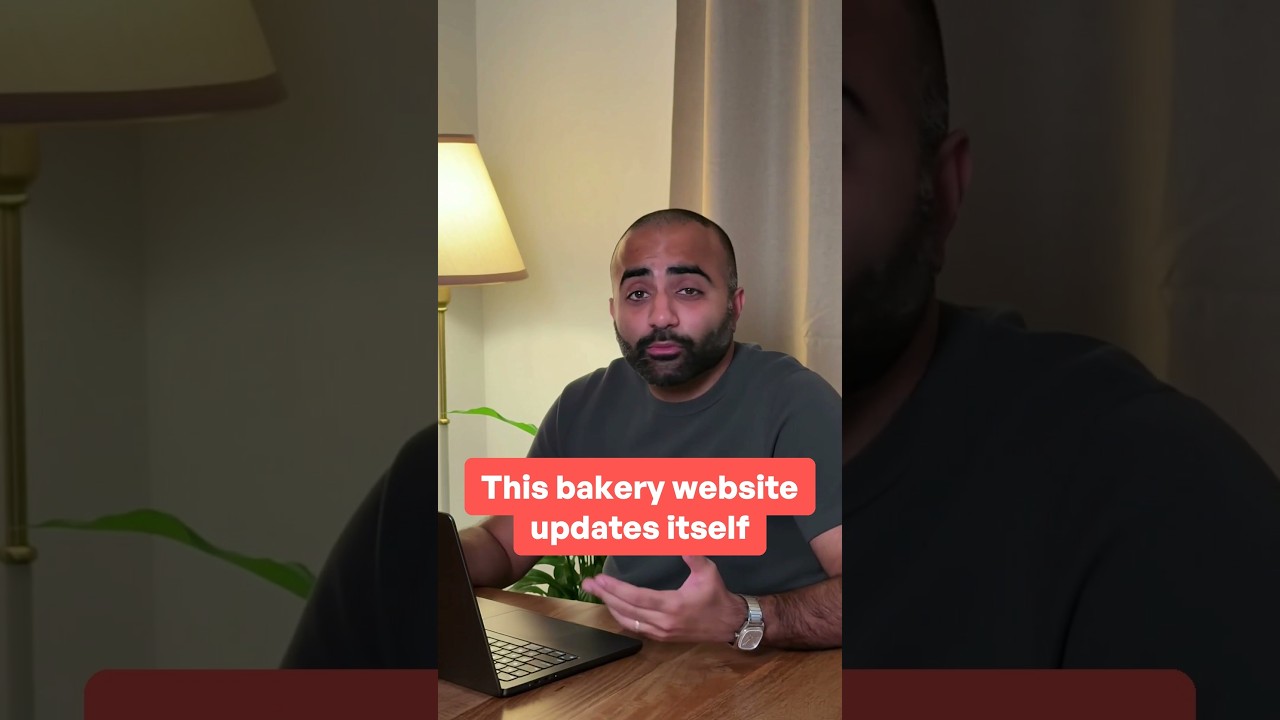
Bakery Website Idea That Updates Itself
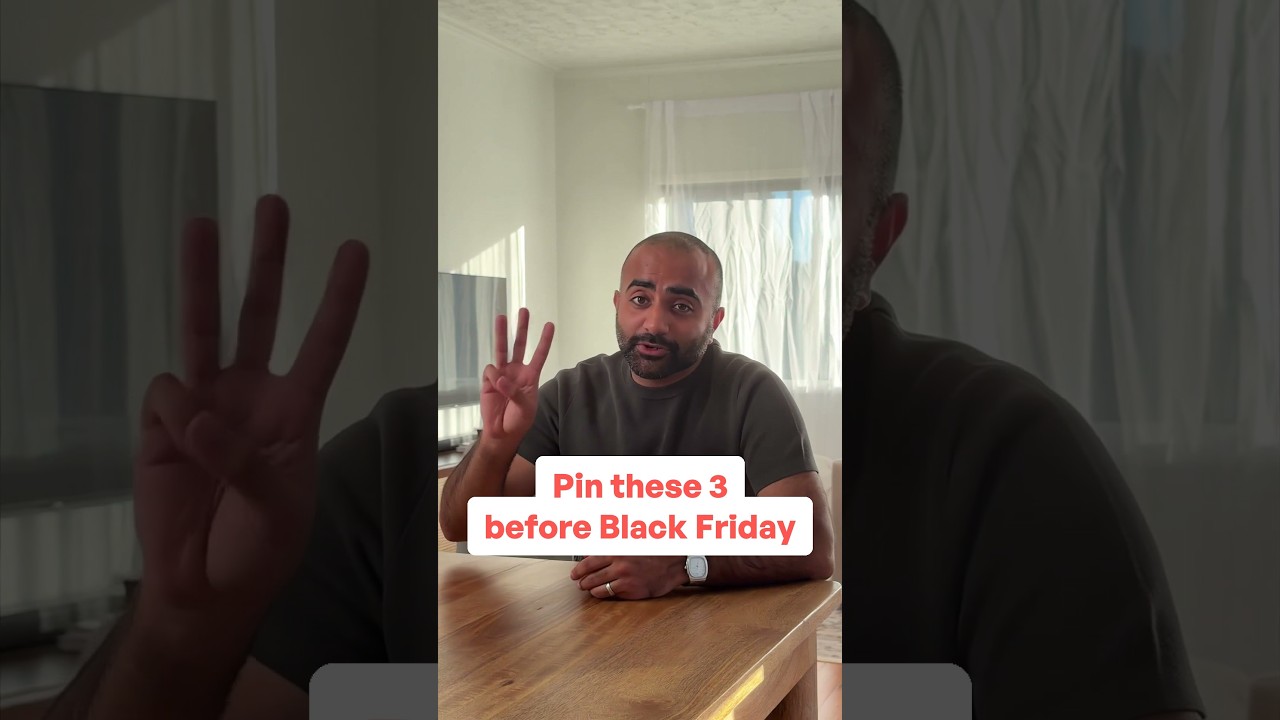
Your newest post isn't your best post. Pin these 3 before Black Friday 📌 #BlackFriday #InstagramTips #SmallBusiness #ShopSmall #SocialMediaTips #SmashBalloon
How To Pin Posts On Instagram Before Black Friday
How To Use The Instagram Countdown Sticker For A Sale
Your Facebook feed on WordPress can now take requests from ChatGPT or Claude.
Ask for 3 columns, a shorter feed on phones, or the shortcode you lost months ago, and Smash Balloon Facebook Feed 4.15.0 makes the change in minutes!
This bakery hasn’t touched its website in months, and it still looks fresh every morning.
Their Instagram feed sits on the homepage, so every post they share shows up on the site by itself. Cardamom buns go up on Instagram at 7am, and they’re on the website at 7am too.
No …logging in and no updating. They just post like they normally would.
Mock site, built on WordPress with Instagram Feed Pro by Smash Balloon.
Comment your business, it might be tomorrow’s.
#BakeryWebsite #SmallBusinessTips #WebsiteIdeas
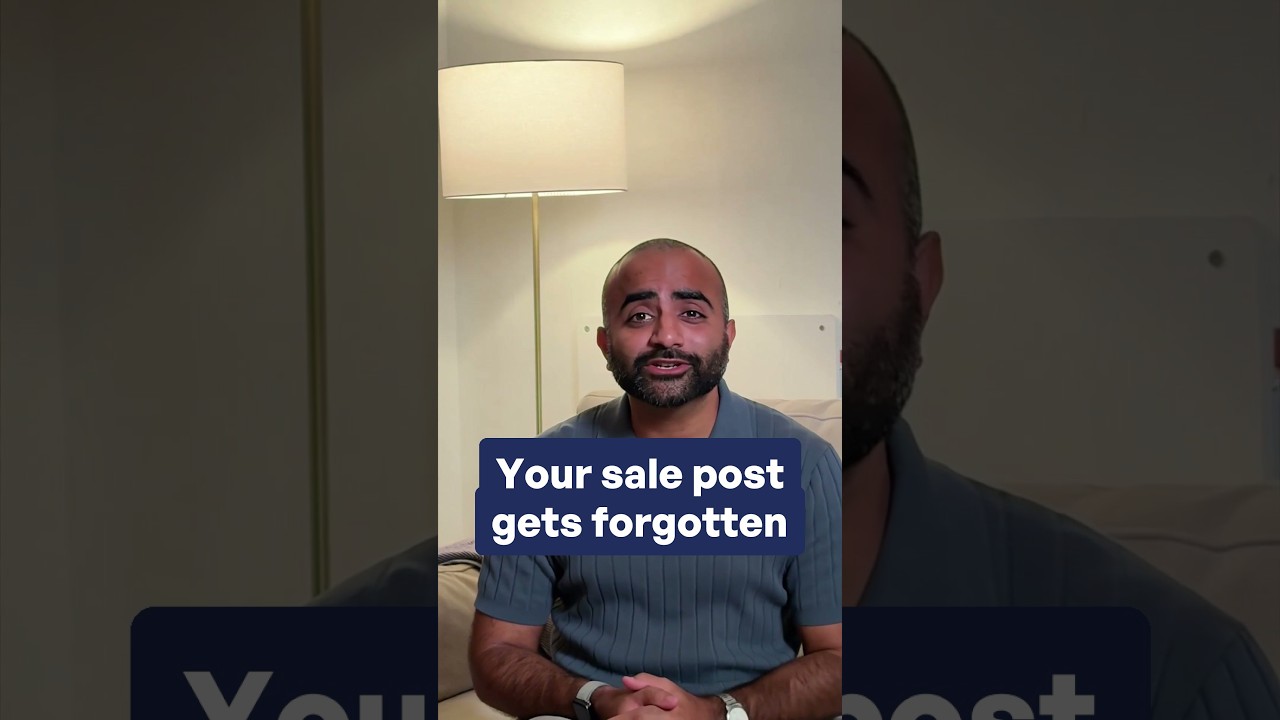
Posting "sale starts Friday" doesn't work, because by Friday everyone's forgotten you said it.
Put a countdown sticker on your story instead. Set it to the time your sale starts, and anyone who taps it can hit Remind me. The second your sale goes live, Instagram sends …them a notification.
Post it about a week out, then save it to a highlight so it's still there after the story disappears.
#BlackFriday #InstagramTips #InstagramStories
Your Black Friday page is probably still showing your Halloween posts.
If your Instagram feed sits on your sale page, it shows whatever you posted last. So someone taps through to your deal and the first thing they see is a pumpkin from three weeks ago.
You don't have to …delete anything. Filter the feed on that page so it only shows posts with "Black Friday" in the caption, and your homepage keeps showing everything else.
Send this to whoever looks after your website.
Keyword filtering is in Instagram Feed Pro by Smash Balloon, on the Plus plan and up.
#BlackFriday #InstagramTips #SmallBusinessTips #Ecommerce #OnlineStore #BlackFridayTips #ShopSmall #WordPress #SmallBusiness #SmashBalloon
How To Filter Your Instagram Feed On Your Website
How To Show Tagged Instagram Posts On Your Website
I’ve been a paying Drip (@getdrip) customer for years.
Today, I’m excited to share that we’ve acquired the company 😍
https://t.co/P0sW5qAxUu is the email and SMS marketing platform that has powered @WPBeginner and our other brands for a long time.
We also …acquired Sleeknote
There's a tab on your Instagram with better product photos than your website, and most people never open it.
It's your tagged tab. Every time a customer posts your stuff and tags you, it lands there. That's your product on real people, which is what Black Friday shoppers …want to see before they buy.
Put those photos on your product pages with a tagged feed, and new ones show up by themselves. Go have a look at your tagged tab tonight, you might find some gold in there.
Day 6 of the Black Friday Countdown: one tip a day till Black Friday.
Tagged feeds come with Instagram Feed Pro by Smash Balloon on the Elite plan.
#BlackFriday #InstagramTips #UserGeneratedContent #SmallBusinessTips #Ecommerce #ProductPhotos #BlackFridayTips #ShopSmall #WordPress #SmashBalloon
You can move your old posts around your Instagram grid now, no deleting and no reposting.
Hold down on a post, tap Reorder grid, and drag it where you want it. For Black Friday, put your deal in your pins so it sits at the top. Then drag up the posts people actually ask about, like your …bestsellers or the one where everyone comments "is this available?"
Someone who taps through from your Black Friday post only looks at your top few rows, so sort yours out this week. It takes a few minutes.
Day 5 of the Black Friday Countdown: one tip a day till Black Friday.
#BlackFriday #InstagramTips #InstagramGrid #SmallBusinessTips #InstagramForBusiness #BlackFridayTips #SocialMediaTips #ShopSmall #SmallBusiness #SmashBalloon
How To Reorder Your Instagram Grid
"Leave us a review" gets you nothing, because your customer has no idea what to write.
Ask them one question instead: what nearly stopped you from buying? They remember that straight away, and their answer is the exact worry your Black Friday shoppers have right now.
Ask… them to put that answer in a Google review. Then show it on your product page, so the next shopper reads it before they leave. Send that question to your last few customers this week.
Day 4 of the Black Friday Countdown: one tip a day till Black Friday.
Reviews Feed by Smash Balloon shows your Google reviews on your product pages automatically, no screenshots or copy and paste.
#BlackFriday #SmallBusinessTips #CustomerReviews #GoogleReviews #Ecommerce #OnlineStore #BlackFridayTips #SocialProof #WordPress #SmashBalloon
Stop Asking Customers To Leave A Review
Your reviews could be your best salesperson this Black Friday. Right now they're probably sitting on a page nobody opens.
The doubt kicks in at the exact second someone's about to pay. Is it any good? Will it turn up on time? Is this site even legit? Nobody goes looking for a …reviews page at that point. They buy or they leave.
Put three reviews right under your buy button. Skip the easy "Love it, five stars" ones. Pick one about the quality, one about the delivery time, and one from someone who was on the fence but bought it anyway, because that's the person on your page right now.
Day 3 of the Black Friday Countdown: one tip a day till Black Friday.
Reviews Feed by Smash Balloon pulls your Google reviews onto your site automatically, no copy and paste or screenshots. Move three reviews under your buy button today.
#BlackFriday #SmallBusinessTips #CustomerReviews #Ecommerce #GoogleReviews #WordPress #OnlineStore #BlackFridayTips #SocialProof #SmashBalloon
Your Reviews Are On A Page Nobody Opens
Your Instagram followers want to buy from you. They just give up before they find the product.
They see a jacket in your post, tap your name, tap your link in bio, land on your homepage and start scrolling. Most people won't look that far. They go back to Instagram and the sale is …gone. On Black Friday it's worse, because everyone has deals on and your customer has ten other tabs open.
Put your Instagram feed on your website and make it shoppable. Every post links straight to the product in it, so one tap on the jacket goes to the jacket.
Day 2 of the Black Friday Countdown: one tip a day till Black Friday.
Shoppable feeds are part of Instagram Feed Pro by Smash Balloon.
#BlackFriday #SmallBusinessTips #InstagramMarketing #Ecommerce #ShoppableInstagram #WordPress #OnlineStore #BlackFridayTips #SocialMediaTips #SmashBalloon
Trusted by over 100,000 users
Rated 4.9/5 on
WordPress
WPForms(@wpforms)
@chachrist
ARTISANS LIST(theartisanslist)
Clem Lafrades(victoryfitclub)
busca’t la vida®(buscatlavida)
Twyla Campbell(wanderwoman10)
Geno Quiroz(genoq)
Amanda Krill(amandakrill)
@jrick
Marcel van Leeuwen(amvanleeuwen) 8 reasons why our customers love YouTube Feed Pro
We build our plugins so that anyone can use them. No complicated setup steps, no headaches.
All our plugins are highly customizable and provide tons of options to configure or style your feed.
Websites should be fast. That means your YouTube content should be too. Speed is one of our top priorities.
All YouTube videos are embedded into your page source code equals regularly updated bot-readable content.
All of our plugins include integrations with popular privacy consent plugins and a one-click GDPR setting.
Easily remove posts from your feed you don't want to show, or create feeds of specially curated posts.
Built with rock solid reliability in mind so your feeds don't go down when the rest of the web does.
We're not just in the plugin business, we're in the customer support business! And pride ourselves on it.
Learn more about our feeds
YouTube Channel Feeds
Easily display videos from any public YouTube channels, with multiple post layouts and configurations. With the YouTube Feed Pro plugin you can automatically pull in new YouTube videos to your site without lifting a finger. Just connect your YouTube channel, sit back, and relax! The plugin will automatically pull in your latest content, allowing you to customize how it’s displayed in a range of layouts, moderation settings, and much more.
YouTube Live Streams
Use our Live Streaming feature to automatically feed live videos into your WordPress site. You can use it to show a feed of your currently playing and upcoming live streams so you can just focus on creating the content rather than having to deal with embedding players on your site every time you go live.
YouTube Gallery
Easily create multiple different YouTube galleries from various channels, lists, favorites, or search queries. Add galleries anywhere throughout your site to display your YouTube content in a variety of ways, engaging your visitors and keeping them on your site for longer.

Aggregate social media content into an easy social media wall for WordPress
Ever wish you had an easy way to combine your social media feeds in one place?
With the Social Wall Pro, now you can!
Use Social Wall Pro to display social media feeds from Facebook, Instagram, Twitter, and YouTube on a centralized wall posted on your website.
This easy-to-use tool can help you boost your followers in all 4 platforms, increase user engagement and grow your business via successful social media marketing.
Boost Your Brand Awareness and Followers
Are you struggling to build your social media presence? You’re not alone.
Businesses like you need social media to grow. 51% of the world’s population now use social media, after all.
That’s why Social Wall Pro was made. The plugin helps you:
– Target your ideal audience: Social Wall Pro shows all your social media feeds to targeted traffic — website visitors who are already interested in your brand.
– Boost your brand awareness: The more people know you, the more likely they’ll trust you. Make your brand more consistent and recognizable by using Social Wall Pro to display a centralized wall with your top social media accounts on your website.
– Supercharge your social media followers: Get more followers on not just 1, but 4 social media accounts! Adding your social media feeds to WordPress gives your site visitors an easy way to follow and engage with you.
The result? The more your ideal audience engages with you and trusts your brand, the more likely they are to do business with you.
Frequently Asked Questions
What’s the main difference between Lite and Pro?
Lite lets you display a basic YouTube channel feed. Pro expands this with playlist feeds, live streams, search feeds, advanced layouts, video lightboxes, filtering tools, and more control over how your videos appear.
Can I display playlists or live streams with Pro?
Yes. Pro allows you to display playlist feeds and upcoming or live streaming videos directly on your website, giving visitors more ways to engage with your content.
Can I control which videos appear in my feed?
Absolutely. Pro includes filtering and moderation options so you can choose which videos to display and keep your feed aligned with your content strategy.
How do I know which plan to choose?
Choose Basic if you want playlists, lightbox playback, and more layout flexibility for one site. Plus is ideal if you manage multiple sites or need additional feed options. Elite is best for advanced features and priority support. If you run multiple sites or use other Smash Balloon plugins, All Access offers the most value.

Start leveraging your YouTube feed to grow your business
Get started with your first feed in minutes