Social Wall
  Feed Analytics

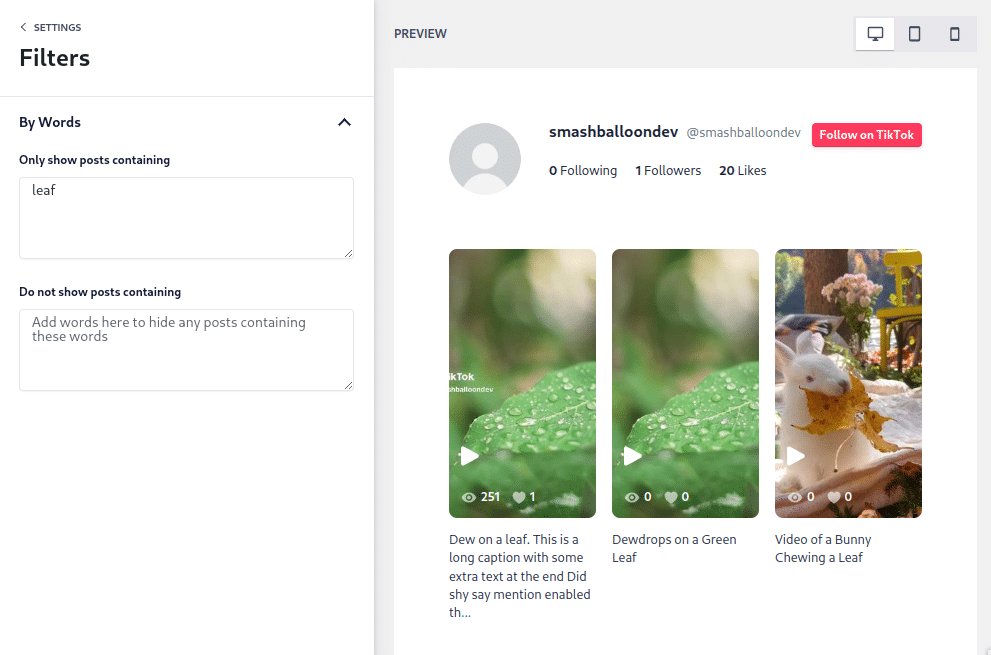
Where the TikTok feed filter settings live, and how the only show posts containing option works.
You can filter your feeds by going to WordPress Dashboard > TikTok Feeds > All Feeds > (click the name of the feed or pencil icon to edit the feed) > Settings > Filters.
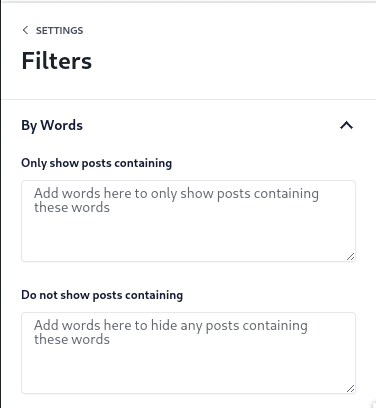
Only show posts containing
This option allows you to only show videos that contain specific keywords or hashtags. Separate multiple words with commas and include “#” for hashtags.
Do not show posts containing
This option allows you to exclude videos that contain specific keywords or hashtags. Separate multiple words with commas and include “#” for hashtags.