Social Wall
  Feed Analytics

How to connect your AliExpress product and display its buyer reviews on WordPress, each with the buyer star rating.
Would you like to display your AliExpress product reviews on your WordPress site? With Reviews Feed, you can connect your AliExpress product and show its buyer reviews anywhere on your site. Each review includes the buyer’s star rating, country, and any comments they left.
In this guide, we’ll walk you through connecting AliExpress as a review source and building a feed to display those reviews.
Requirements: AliExpress is available on the Plus license level or higher of Reviews Feed.
Before you get started, make sure Reviews Feed is installed and activated on your WordPress site.
Here is what we will cover:
- Connecting AliExpress as a Review Source
- Building Your AliExpress Feed
- Displaying Your Feed
- Frequently Asked Questions
Connecting AliExpress as a Review Source
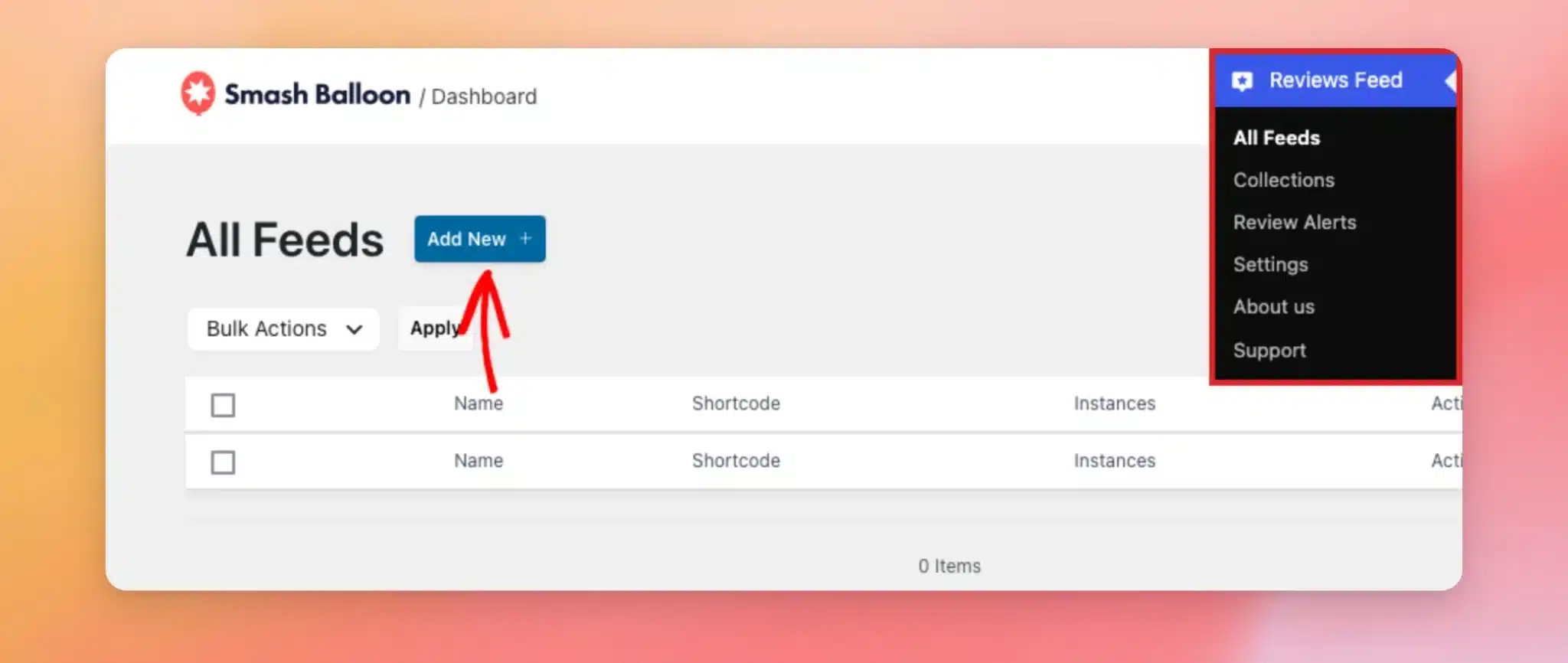
To get started, we’ll connect AliExpress as a new review source. Go to Reviews Feed » All Feeds in your WordPress admin sidebar. Then click Add New.
Note: You don’t need an AliExpress account or an API key. Your product’s public AliExpress page is all that’s required to connect the source.
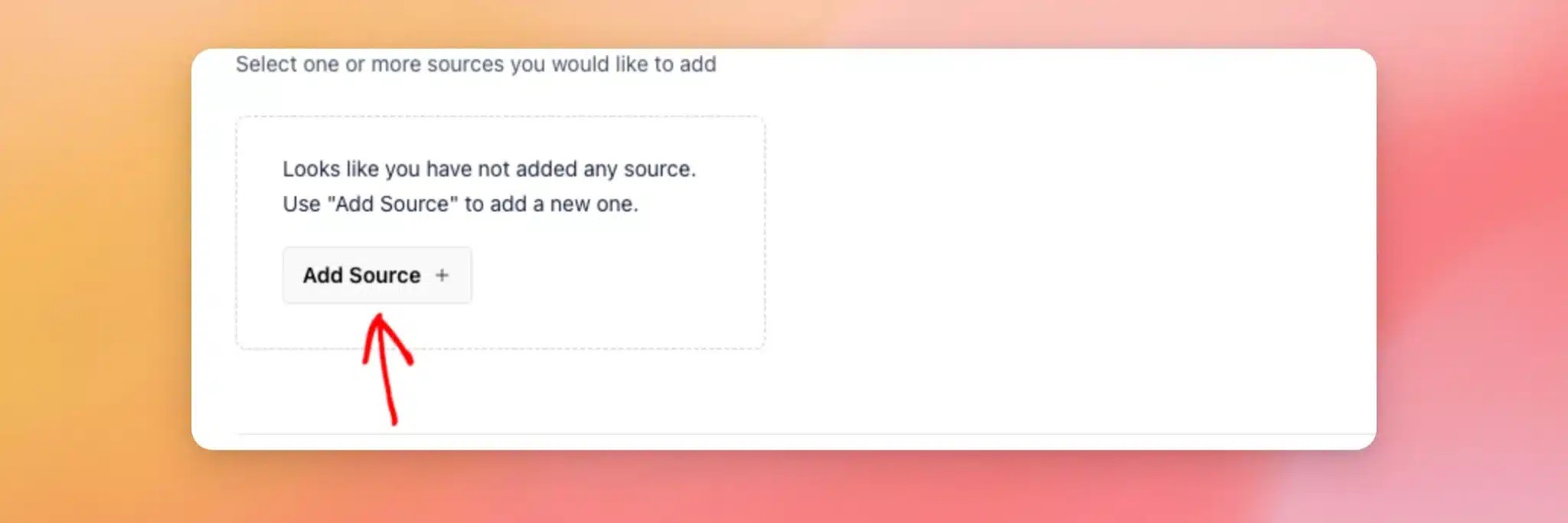
On the Add Source screen, click Add Source. If you have already connected other sources, click the Add New tile instead.
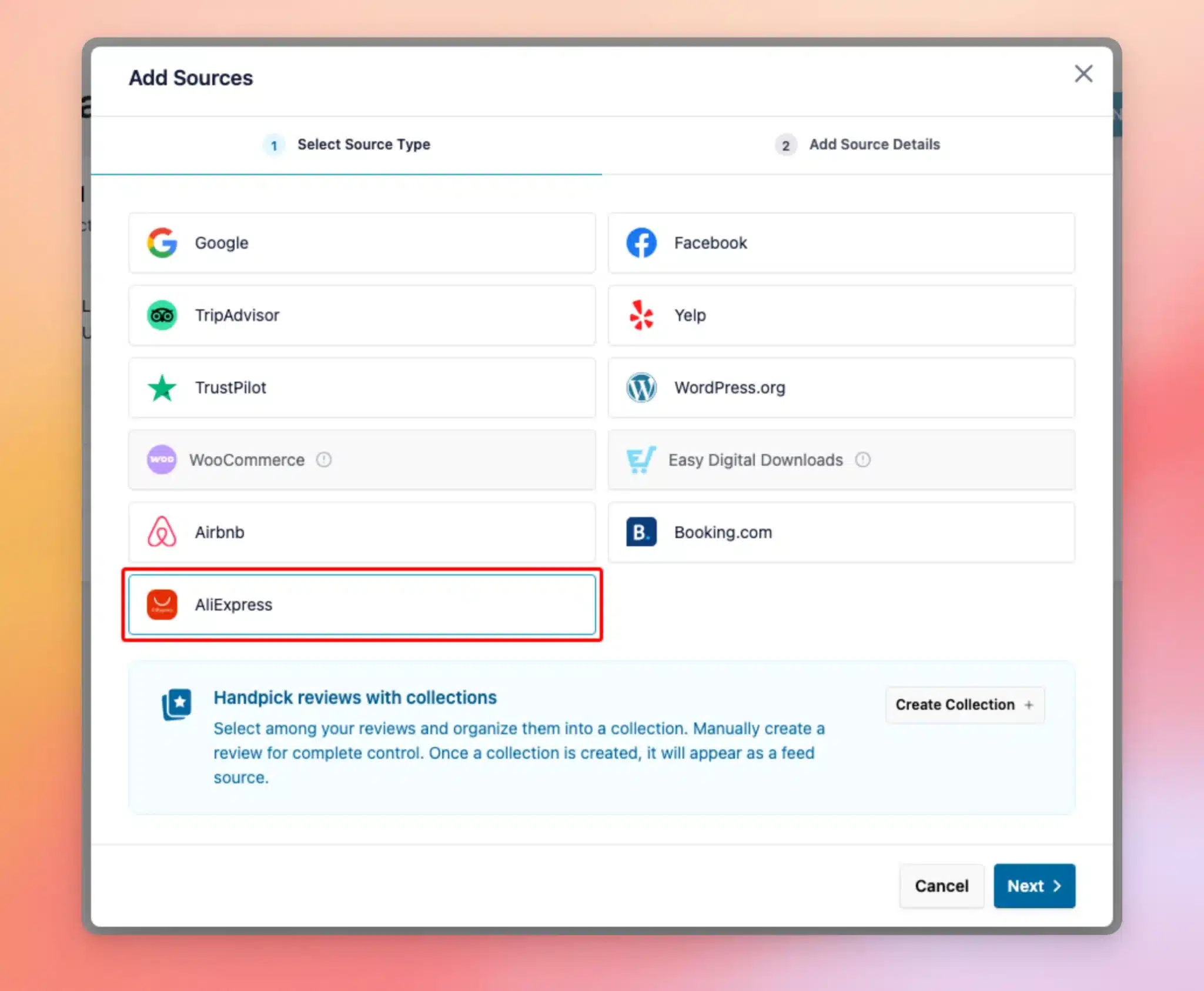
In the Add Sources window, choose AliExpress as your source type. Then click Next.
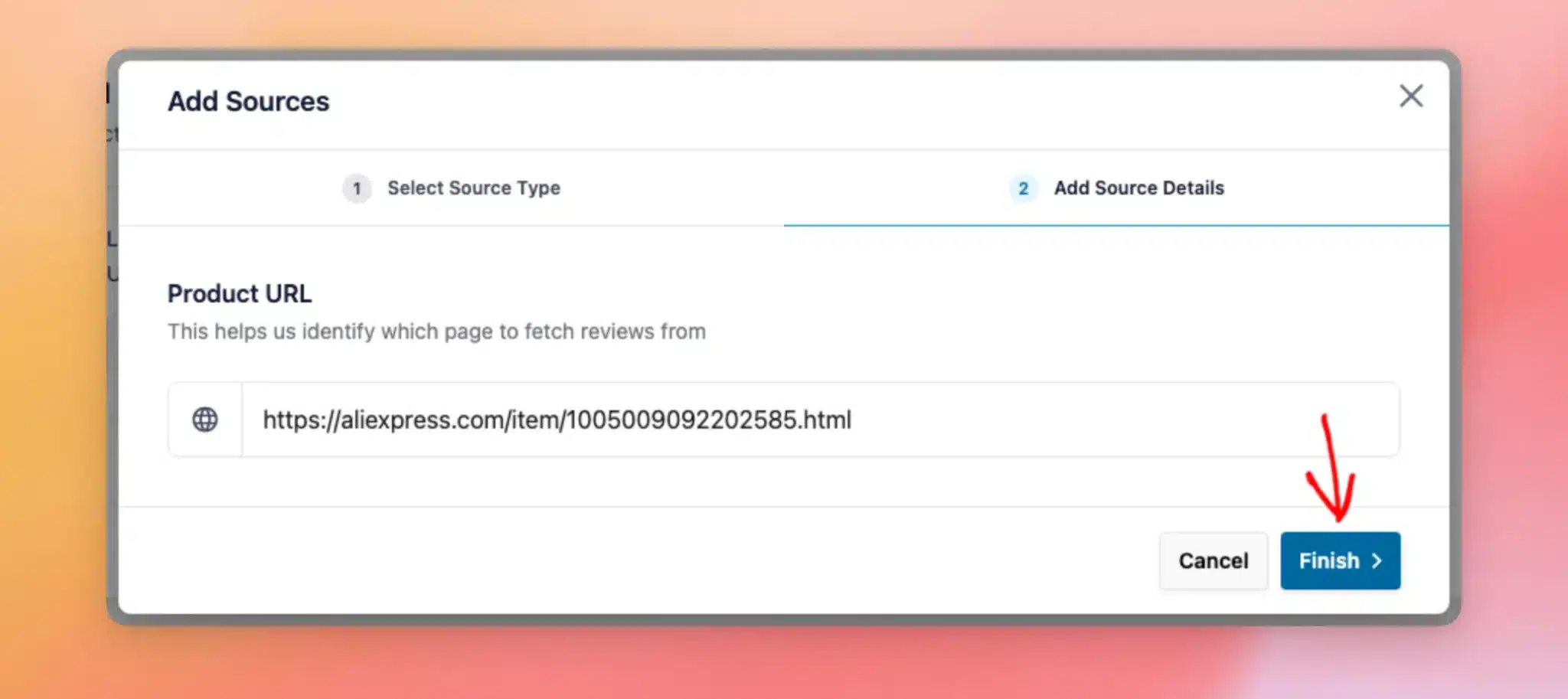
Next, paste your product’s address into the Product URL field. This is the web address of your product’s page on AliExpress.
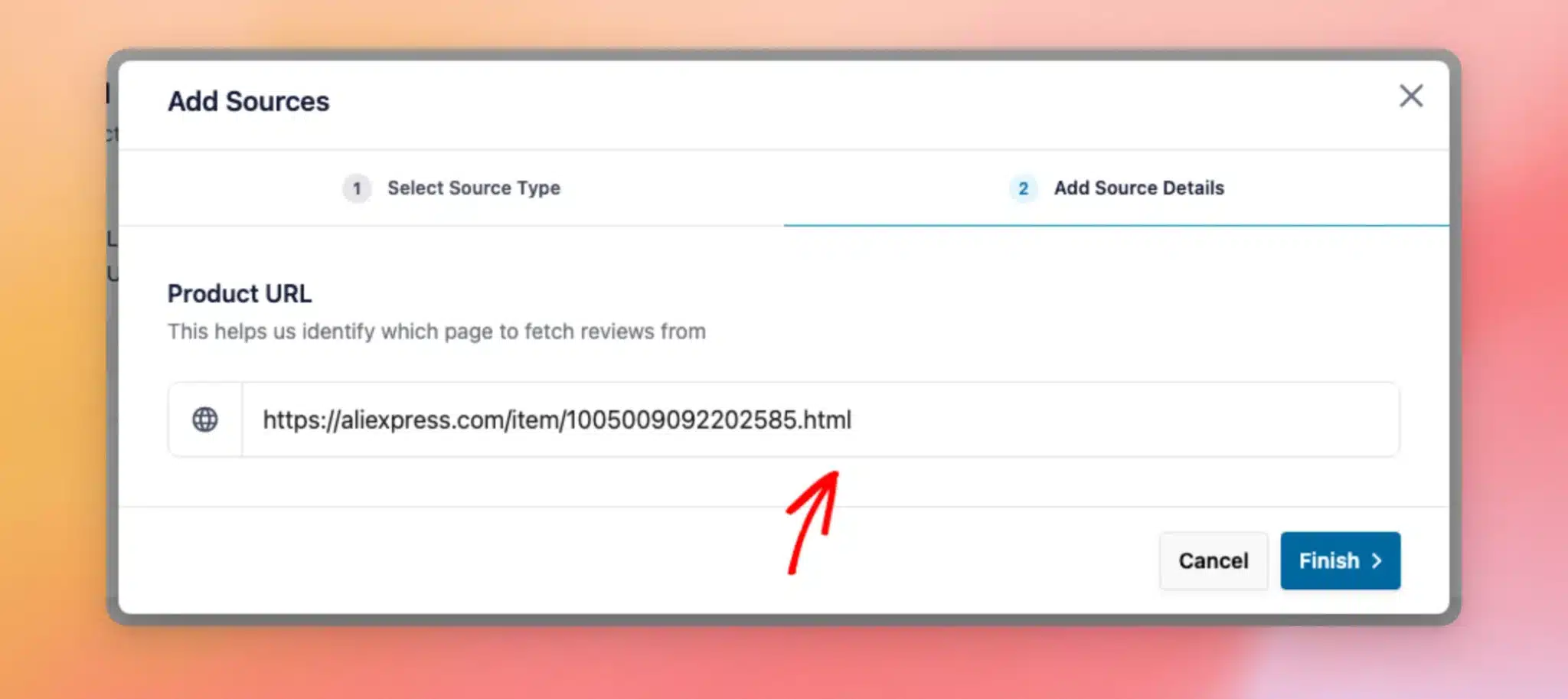
Once you’ve added the URL, click Finish. Reviews Feed connects to AliExpress and pulls in your product’s reviews.
Now that AliExpress is connected as a source, you’re ready to build your feed.
Building Your AliExpress Feed
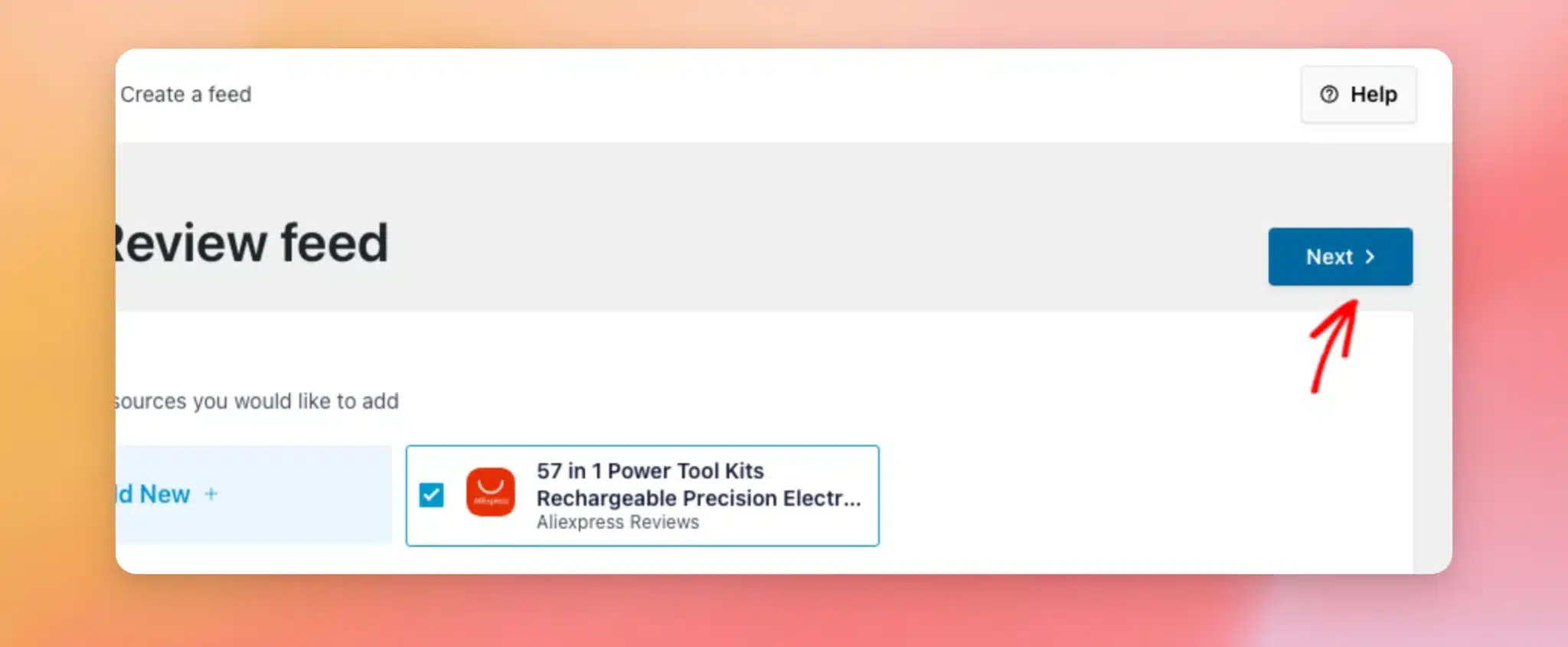
Your AliExpress source now appears on the Add Source screen, already selected. Then click Next to continue.
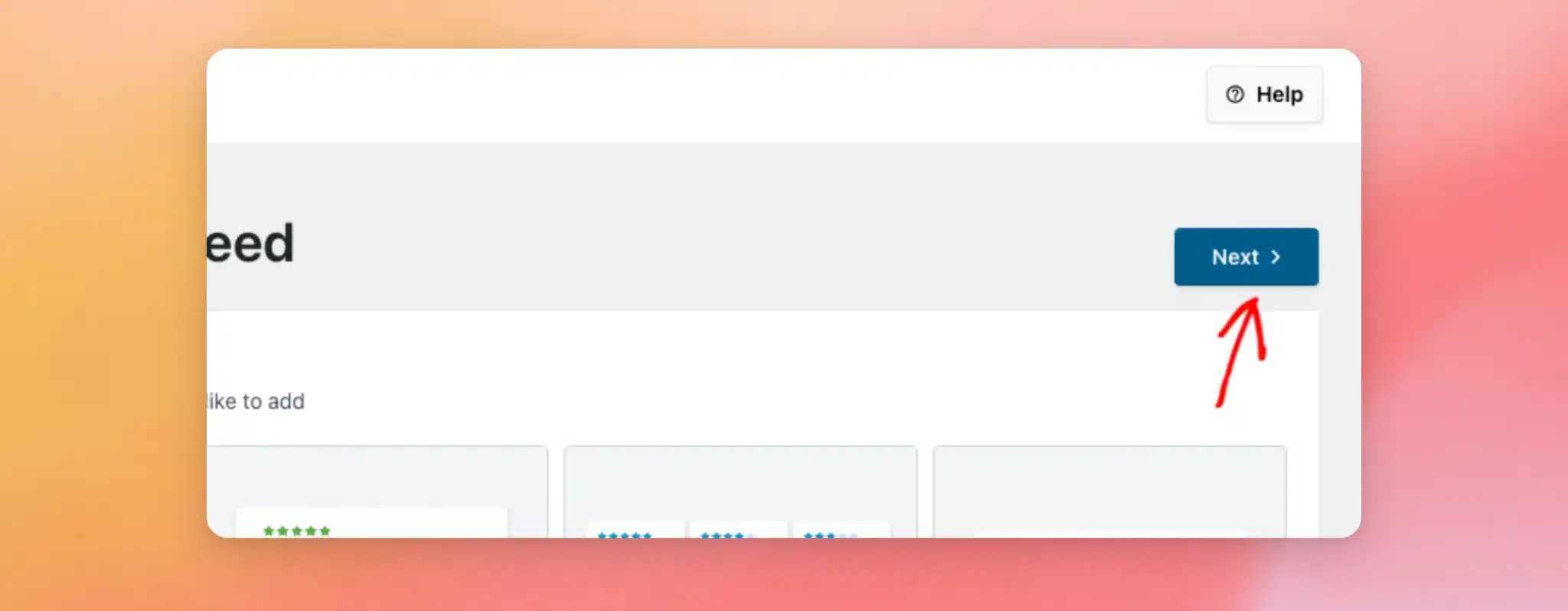
Now, choose a template for your feed. The Default template works well for most sites. After you pick a template, click Next.
Reviews Feed opens the feed editor with a live preview of your AliExpress reviews. When you’re happy with how the feed looks, click Save.
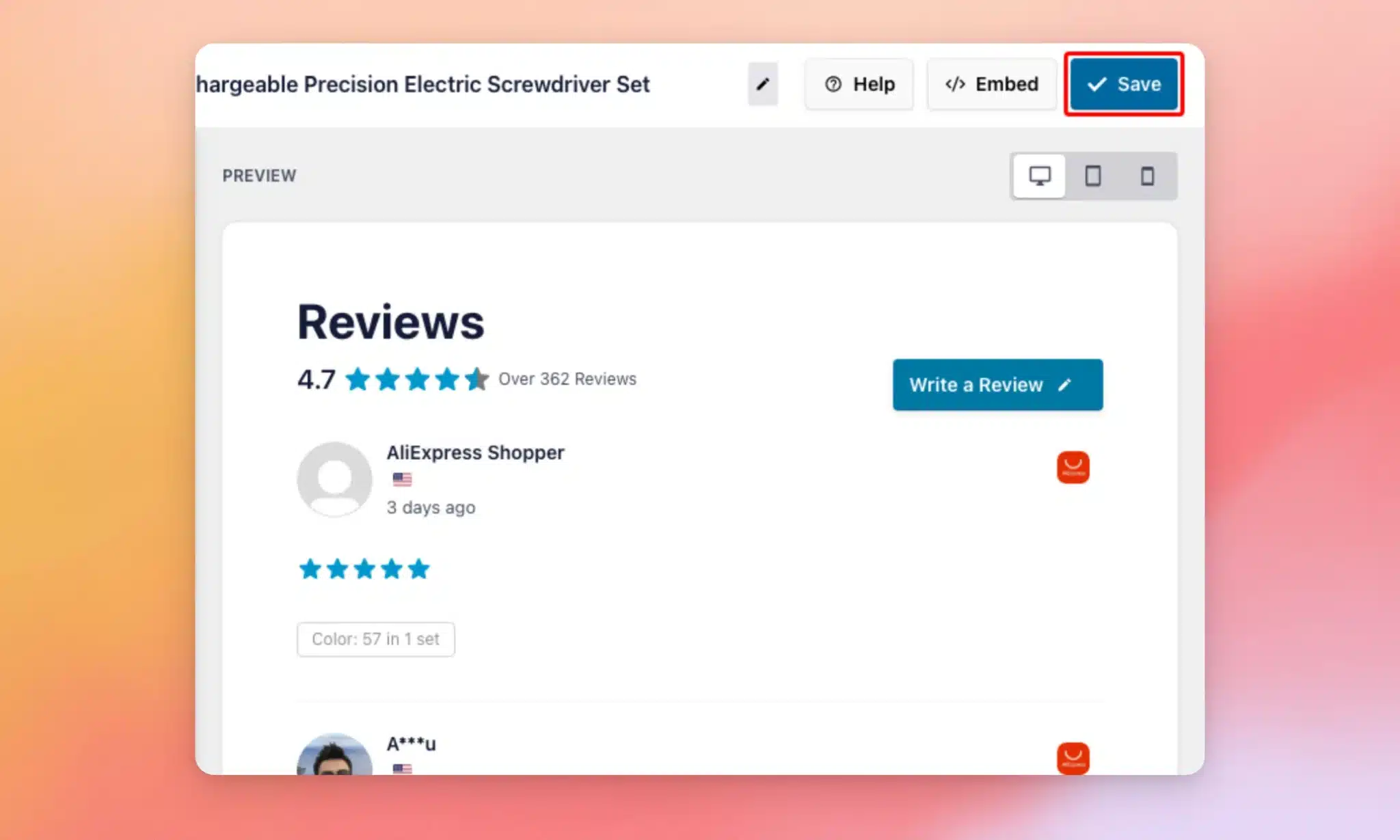
Your AliExpress feed is ready. Each review shows the buyer’s star rating, their name and country, and any comments they left. Buyer names come through from AliExpress in a shortened form, such as A***u, so that is how they appear in your feed.
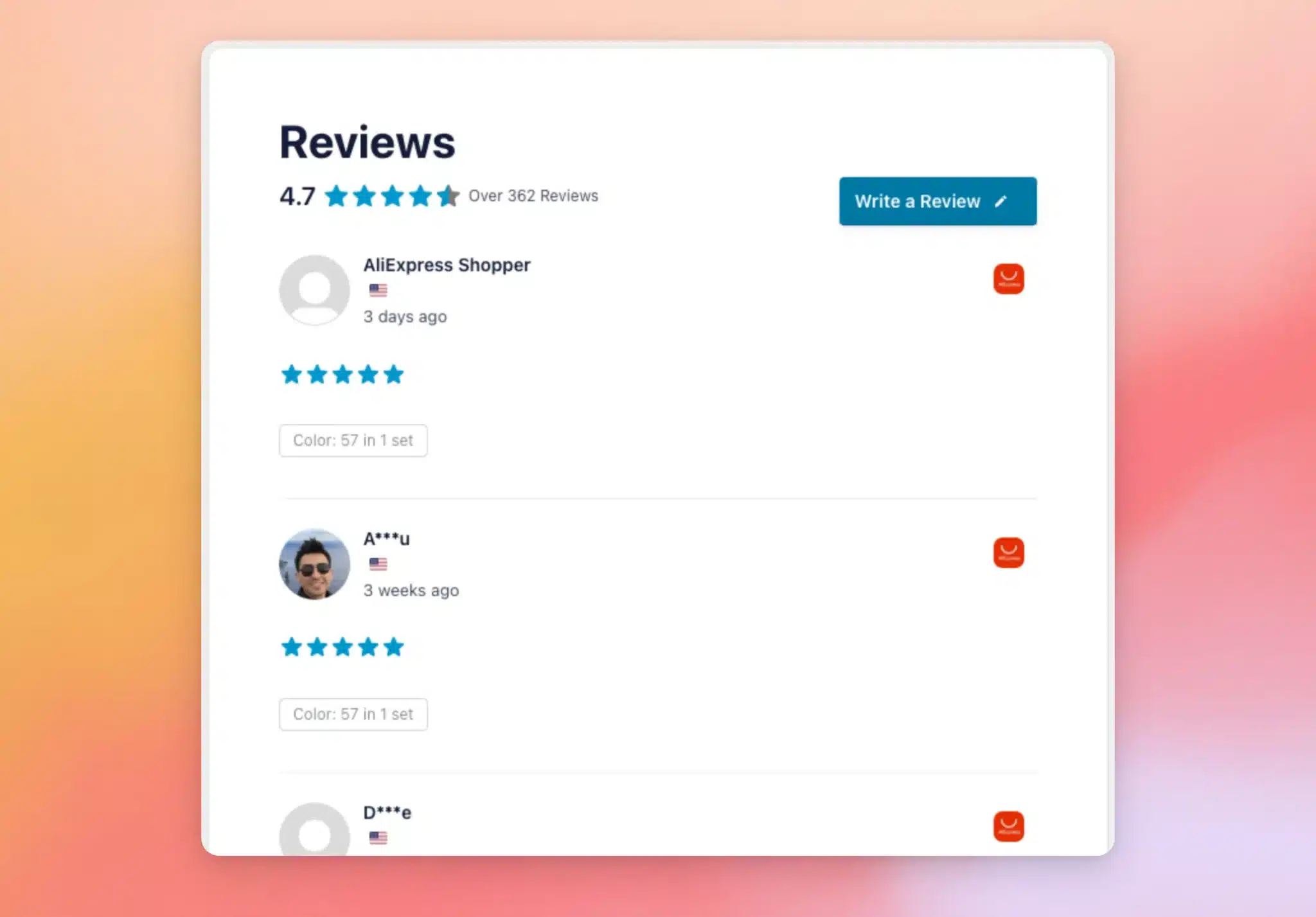
AliExpress reviews carry extra shopping detail, too. Each review lists the product options the buyer chose, such as the color or size, and shows any photos the buyer added.
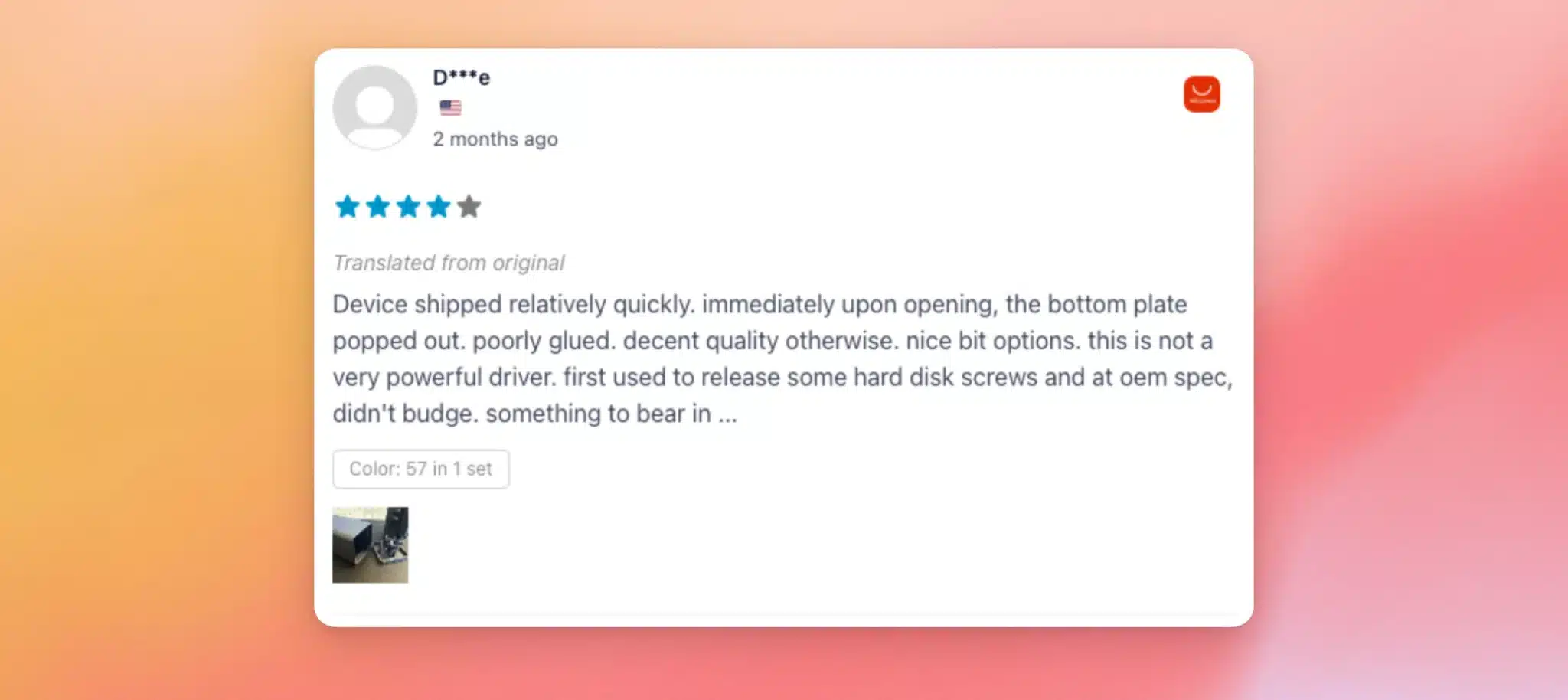
Reviews written in another language are translated for you and labeled. If a buyer posts a follow-up review later, it appears with their original review.
Now that your feed is built, you’re ready to display it on your site.
Displaying Your Feed
Every feed you build has its own shortcode, like [reviews-feed feed=123], which you can add to any page, post, or widget to display your reviews. See How to Add a Shortcode in WordPress for a step-by-step guide.
Reviews Feed also includes a block for the WordPress block editor and a widget for Elementor. This lets you add your feed visually without copying a shortcode.
For step-by-step help, see our guide on adding a reviews feed with the block editor. We also have guides on adding a reviews feed with the Elementor widget and displaying your reviews feed.
That’s it! You’ve connected AliExpress and built a feed of your product’s buyer reviews. To learn more about placing your feed exactly where you want it, see our guide on displaying your reviews feed.
Frequently Asked Questions
Below, we’ve answered some of the most common questions about adding an AliExpress reviews feed.
Do I need an AliExpress account or an API key?
No. You only need your product’s AliExpress page. Reviews Feed handles the connection for you, with no account login or API key required.
Where do I find my product’s AliExpress URL?
To find it, open your product’s page on AliExpress and copy the address from your browser’s address bar. Paste that address into the Product URL field when you add the source. Specifically, use the full product address, the one that includes /item/ followed by your product’s number. This lets Reviews Feed identify which product to fetch reviews from.
Why don’t all my reviews show right away?
Reviews Feed pulls a first batch of reviews when you add your source. Then it gathers more of your product’s history in the background. Your feed keeps filling in and stays up to date on its own.
Why are buyer names shortened in my feed?
AliExpress provides buyer names in a shortened form, such as A***u, and some reviews come through as AliExpress Shopper. Reviews Feed shows each name exactly as AliExpress provides it, so nothing is missing from your feed.
Can I show AliExpress reviews alongside other sources?
Yes. When you create a feed, you can select more than one source. This means you can combine AliExpress with WooCommerce, Google, or any other connected source in a single feed. You can also add a separate source for each AliExpress product and show them all together in one feed.