Social Wall
  Feed Analytics

How to add an Instagram feed to an Elementor page using the native block, for both the free and Pro plugin.
To add your feed using Elementor’s native blocks, follow the steps below:
1- Create a new Instagram feed; if you need more information, follow this guide if you are using the FREE version or this one if you are using the PRO version.
2- Open the Elementor Editor and search for “Instagram Feed”
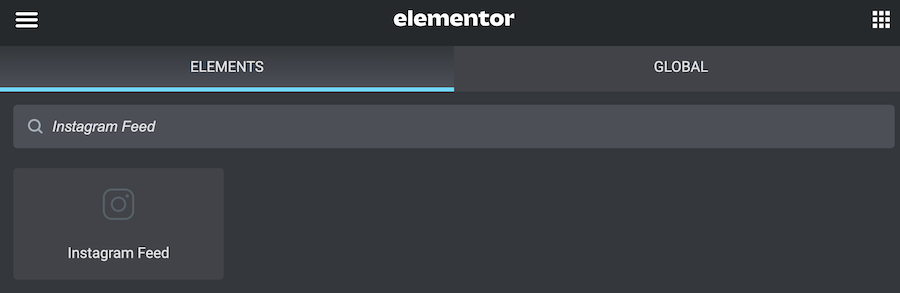
3- Drag and drop the Instagram Feed element where you want to display it.
4- Select the feed you want to show from the drop-down menu; this is the feed you created in step #1.

5- Publish the changes.
If you need additional assistance, feel free to open a support ticket using this form.