


 Social Wall
 Feed Analytics


See Twitter Feed Pro in Action
Get the Plugin
Social Wall
The Social Wall plugin integrates effortlessly with all of our plugins and allows you to create a social media wall that brings all of your content into one place where you can engage website visitors and grow followers for all of your channels. Get the bundle to display Instagram, Facebook, Twitter, and YouTube content all in one single wall.


Your Facebook feed on WordPress can now take requests from ChatGPT or Claude.
Ask for 3 columns, a shorter feed on phones, or the shortcode you lost months ago, and Smash Balloon Facebook Feed 4.15.0 makes the change in minutes!

Posting "sale starts Friday" doesn't work, because by Friday everyone's forgotten you said it.
Put a countdown sticker on your story instead. Set it to the time your sale starts, and anyone who taps it can hit Remind me. The second your sale goes live, Instagram sends …them a notification.
Post it about a week out, then save it to a highlight so it's still there after the story disappears.
#BlackFriday #InstagramTips #InstagramStories

Posting "sale starts Friday" doesn't work, because by Friday everyone's forgotten you said it.
Put a countdown sticker on your story instead. Set it to the time your sale starts, and anyone who taps it can hit Remind me. The second your sale goes live, Instagram sends …them a notification.
Post it about a week out, then save it to a highlight so it's still there after the story disappears.
#BlackFriday #InstagramTips #InstagramStories
Your Black Friday page is probably still showing your Halloween posts.
If your Instagram feed sits on your sale page, it shows whatever you posted last. So someone taps through to your deal and the first thing they see is a pumpkin from three weeks ago.
You don't have to …delete anything. Filter the feed on that page so it only shows posts with "Black Friday" in the caption, and your homepage keeps showing everything else.
Send this to whoever looks after your website.
Keyword filtering is in Instagram Feed Pro by Smash Balloon, on the Plus plan and up.
#BlackFriday #InstagramTips #SmallBusinessTips #Ecommerce #OnlineStore #BlackFridayTips #ShopSmall #WordPress #SmallBusiness #SmashBalloon
Your Black Friday page is probably still showing your Halloween posts.
If your Instagram feed sits on your sale page, it shows whatever you posted last. So someone taps through to your deal and the first thing they see is a pumpkin from three weeks ago.
You don't have to …delete anything. Filter the feed on that page so it only shows posts with "Black Friday" in the caption, and your homepage keeps showing everything else.
Send this to whoever looks after your website.
Keyword filtering is in Instagram Feed Pro by Smash Balloon, on the Plus plan and up.
#BlackFriday #InstagramTips #SmallBusinessTips #Ecommerce #OnlineStore #BlackFridayTips #ShopSmall #WordPress #SmallBusiness #SmashBalloon

How To Filter Your Instagram Feed On Your Website
How To Show Tagged Instagram Posts On Your Website

I’ve been a paying Drip (@getdrip) customer for years.
Today, I’m excited to share that we’ve acquired the company 😍
https://t.co/P0sW5qAxUu is the email and SMS marketing platform that has powered @WPBeginner and our other brands for a long time.
We also …acquired Sleeknote
There's a tab on your Instagram with better product photos than your website, and most people never open it.
It's your tagged tab. Every time a customer posts your stuff and tags you, it lands there. That's your product on real people, which is what Black Friday shoppers …want to see before they buy.
Put those photos on your product pages with a tagged feed, and new ones show up by themselves. Go have a look at your tagged tab tonight, you might find some gold in there.
Day 6 of the Black Friday Countdown: one tip a day till Black Friday.
Tagged feeds come with Instagram Feed Pro by Smash Balloon on the Elite plan.
#BlackFriday #InstagramTips #UserGeneratedContent #SmallBusinessTips #Ecommerce #ProductPhotos #BlackFridayTips #ShopSmall #WordPress #SmashBalloon
There's a tab on your Instagram with better product photos than your website, and most people never open it.
It's your tagged tab. Every time a customer posts your stuff and tags you, it lands there. That's your product on real people, which is what Black Friday shoppers …want to see before they buy.
Put those photos on your product pages with a tagged feed, and new ones show up by themselves. Go have a look at your tagged tab tonight, you might find some gold in there.
Day 6 of the Black Friday Countdown: one tip a day till Black Friday.
Tagged feeds come with Instagram Feed Pro by Smash Balloon on the Elite plan.
#BlackFriday #InstagramTips #UserGeneratedContent #SmallBusinessTips #Ecommerce #ProductPhotos #BlackFridayTips #ShopSmall #WordPress #SmashBalloon
You can move your old posts around your Instagram grid now, no deleting and no reposting.
Hold down on a post, tap Reorder grid, and drag it where you want it. For Black Friday, put your deal in your pins so it sits at the top. Then drag up the posts people actually ask about, like your …bestsellers or the one where everyone comments "is this available?"
Someone who taps through from your Black Friday post only looks at your top few rows, so sort yours out this week. It takes a few minutes.
Day 5 of the Black Friday Countdown: one tip a day till Black Friday.
#BlackFriday #InstagramTips #InstagramGrid #SmallBusinessTips #InstagramForBusiness #BlackFridayTips #SocialMediaTips #ShopSmall #SmallBusiness #SmashBalloon

You can move your old posts around your Instagram grid now, no deleting and no reposting.
Hold down on a post, tap Reorder grid, and drag it where you want it. For Black Friday, put your deal in your pins so it sits at the top. Then drag up the posts people actually ask about, like your …bestsellers or the one where everyone comments "is this available?"
Someone who taps through from your Black Friday post only looks at your top few rows, so sort yours out this week. It takes a few minutes.
Day 5 of the Black Friday Countdown: one tip a day till Black Friday.
#BlackFriday #InstagramTips #InstagramGrid #SmallBusinessTips #InstagramForBusiness #BlackFridayTips #SocialMediaTips #ShopSmall #SmallBusiness #SmashBalloon
How To Reorder Your Instagram Grid
"Leave us a review" gets you nothing, because your customer has no idea what to write.
Ask them one question instead: what nearly stopped you from buying? They remember that straight away, and their answer is the exact worry your Black Friday shoppers have right now.
Ask… them to put that answer in a Google review. Then show it on your product page, so the next shopper reads it before they leave. Send that question to your last few customers this week.
Day 4 of the Black Friday Countdown: one tip a day till Black Friday.
Reviews Feed by Smash Balloon shows your Google reviews on your product pages automatically, no screenshots or copy and paste.
#BlackFriday #SmallBusinessTips #CustomerReviews #GoogleReviews #Ecommerce #OnlineStore #BlackFridayTips #SocialProof #WordPress #SmashBalloon
"Leave us a review" gets you nothing, because your customer has no idea what to write.
Ask them one question instead: what nearly stopped you from buying? They remember that straight away, and their answer is the exact worry your Black Friday shoppers have right now.
Ask… them to put that answer in a Google review. Then show it on your product page, so the next shopper reads it before they leave. Send that question to your last few customers this week.
Day 4 of the Black Friday Countdown: one tip a day till Black Friday.
Reviews Feed by Smash Balloon shows your Google reviews on your product pages automatically, no screenshots or copy and paste.
#BlackFriday #SmallBusinessTips #CustomerReviews #GoogleReviews #Ecommerce #OnlineStore #BlackFridayTips #SocialProof #WordPress #SmashBalloon
Stop Asking Customers To Leave A Review
Your reviews could be your best salesperson this Black Friday. Right now they're probably sitting on a page nobody opens.
The doubt kicks in at the exact second someone's about to pay. Is it any good? Will it turn up on time? Is this site even legit? Nobody goes looking for a …reviews page at that point. They buy or they leave.
Put three reviews right under your buy button. Skip the easy "Love it, five stars" ones. Pick one about the quality, one about the delivery time, and one from someone who was on the fence but bought it anyway, because that's the person on your page right now.
Day 3 of the Black Friday Countdown: one tip a day till Black Friday.
Reviews Feed by Smash Balloon pulls your Google reviews onto your site automatically, no copy and paste or screenshots. Move three reviews under your buy button today.
#BlackFriday #SmallBusinessTips #CustomerReviews #Ecommerce #GoogleReviews #WordPress #OnlineStore #BlackFridayTips #SocialProof #SmashBalloon
Your reviews could be your best salesperson this Black Friday. Right now they're probably sitting on a page nobody opens.
The doubt kicks in at the exact second someone's about to pay. Is it any good? Will it turn up on time? Is this site even legit? Nobody goes looking for a …reviews page at that point. They buy or they leave.
Put three reviews right under your buy button. Skip the easy "Love it, five stars" ones. Pick one about the quality, one about the delivery time, and one from someone who was on the fence but bought it anyway, because that's the person on your page right now.
Day 3 of the Black Friday Countdown: one tip a day till Black Friday.
Reviews Feed by Smash Balloon pulls your Google reviews onto your site automatically, no copy and paste or screenshots. Move three reviews under your buy button today.
#BlackFriday #SmallBusinessTips #CustomerReviews #Ecommerce #GoogleReviews #WordPress #OnlineStore #BlackFridayTips #SocialProof #SmashBalloon
Your Reviews Are On A Page Nobody Opens

Your Instagram followers want to buy from you. They just give up before they find the product.
They see a jacket in your post, tap your name, tap your link in bio, land on your homepage and start scrolling. Most people won't look that far. They go back to Instagram and the sale is …gone. On Black Friday it's worse, because everyone has deals on and your customer has ten other tabs open.
Put your Instagram feed on your website and make it shoppable. Every post links straight to the product in it, so one tap on the jacket goes to the jacket.
Day 2 of the Black Friday Countdown: one tip a day till Black Friday.
Shoppable feeds are part of Instagram Feed Pro by Smash Balloon.
#BlackFriday #SmallBusinessTips #InstagramMarketing #Ecommerce #ShoppableInstagram #WordPress #OnlineStore #BlackFridayTips #SocialMediaTips #SmashBalloon
Your Instagram followers want to buy from you. They just give up before they find the product.
They see a jacket in your post, tap your name, tap your link in bio, land on your homepage and start scrolling. Most people won't look that far. They go back to Instagram and the sale is …gone. On Black Friday it's worse, because everyone has deals on and your customer has ten other tabs open.
Put your Instagram feed on your website and make it shoppable. Every post links straight to the product in it, so one tap on the jacket goes to the jacket.
Day 2 of the Black Friday Countdown: one tip a day till Black Friday.
Shoppable feeds are part of Instagram Feed Pro by Smash Balloon.
#BlackFriday #SmallBusinessTips #InstagramMarketing #Ecommerce #ShoppableInstagram #WordPress #OnlineStore #BlackFridayTips #SocialMediaTips #SmashBalloon
Your Instagram Followers Can't Find What They Want To Buy
Your Website Is Losing Your Black Friday Sales
Your Black Friday sale won't fail on Instagram. It fails on your website.
People find you on Instagram, like what they see and tap through. Then they land on a site that looks like a different business. No posts, no customers, nothing that shows people buy from you. So they leave.
…
Put your Instagram feed right above your offer. Your site feels like the account they just followed, and the people who liked your posts end up buying.
Day 1 of the Black Friday Countdown: one tip a day till Black Friday.
Free plugin to try it: Smash Balloon Social Photo Feed on WordPress.org (wordpress.org/plugins/instagram-feed). Instagram Feed Pro adds more layouts and features.
#BlackFriday #SmallBusinessTips #WordPress #InstagramMarketing #Ecommerce
Your Black Friday sale won't fail on Instagram. It fails on your website.
People find you on Instagram, like what they see and tap through. Then they land on a site that looks like a different business. No posts, no customers, nothing that shows people buy from you. So they leave.
…
Put your Instagram feed right above your offer. Your site feels like the account they just followed, and the people who liked your posts end up buying.
Day 1 of the Black Friday Countdown: one tip a day till Black Friday.
Free plugin to try it: Smash Balloon Social Photo Feed on WordPress.org (wordpress.org/plugins/instagram-feed). Instagram Feed Pro adds more layouts and features.
#BlackFriday #SmallBusinessTips #WordPress #InstagramMarketing #Ecommerce
How to Embed an Instagram Feed on WordPress for Free (2026)
Your TikToks Make a Better About Page
People skim "family owned since 2015". They will watch you do the job.
Put your TikToks on your About page, and use a feed so new videos show up there by themselves.
Our TikTok Feed plugin does that, and there's a free version.
#smashballoon #wordpress …#tiktoktips #smallbusiness #websitetips
People skim "family owned since 2015". They will watch you do the job.
Put your TikToks on your About page, and use a feed so new videos show up there by themselves.
Our TikTok Feed plugin does that, and there's a free version.
#smashballoon #wordpress …#tiktoktips #smallbusiness #websitetips
Big video files on your website eat hosting space and can slow your pages down.
Let YouTube host them for free, then show them on your site with a feed.
Your page stays light, and every new video shows up on its own.
#smashballoon #wordpress #youtubetips #smallbusiness …#websitetips

Big video files on your website eat hosting space and can slow your pages down.
Let YouTube host them for free, then show them on your site with a feed.
Your page stays light, and every new video shows up on its own.
#smashballoon #wordpress #youtubetips #smallbusiness …#websitetips
Stop Uploading Videos to Your Website
Want your Instagram posts on your website? It takes three steps.
Install the free Smash Balloon plugin, connect your Instagram, then pick a layout and add it to your page.
From then on every new post shows up on your site by itself.
Where would you put your Instagram feed… on your site, the homepage or a gallery page?
#smashballoon #wordpress #instagramtips #smallbusiness #websitetips
Want your Instagram posts on your website? It takes three steps.
Install the free Smash Balloon plugin, connect your Instagram, then pick a layout and add it to your page.
From then on every new post shows up on your site by itself.
Where would you put your Instagram feed… on your site, the homepage or a gallery page?
#smashballoon #wordpress #instagramtips #smallbusiness #websitetips
How to Add Your Instagram Feed to WordPress in 3 Steps
3 Real Small Business Websites Using Smash Balloon
A bakery, a wedding photographer and an art gallery all use the same trick.
Their Instagram and Facebook posts land on their website by themselves, so nobody has to update it.
Your website can look as fresh as your feed without any extra work.
Which of these three would …you want your website to look like?
#smashballoon #smallbusiness #wordpress #instagramtips #websitedesign
A bakery, a wedding photographer and an art gallery all use the same trick.
Their Instagram and Facebook posts land on their website by themselves, so nobody has to update it.
Your website can look as fresh as your feed without any extra work.
Which of these three would …you want your website to look like?
#smashballoon #smallbusiness #wordpress #instagramtips #websitedesign
Welcome to Smash Balloon
Your followers see your posts. Most people landing on your website don't.
That's what we fix. Your Instagram, TikTok, Facebook, YouTube and reviews, live on your site and updating by themselves.
Here you'll get what's changing on social media and reviews, and …the quick fixes that turn followers and reviews into customers.
What's the one thing on your website you keep meaning to update?
#smashballoon #smallbusiness #socialmediatips #websitetips #googlereviews

Your followers see your posts. Most people landing on your website don't.
That's what we fix. Your Instagram, TikTok, Facebook, YouTube and reviews, live on your site and updating by themselves.
Here you'll get what's changing on social media and reviews, and …the quick fixes that turn followers and reviews into customers.
What's the one thing on your website you keep meaning to update?
#smashballoon #smallbusiness #socialmediatips #websitetips #googlereviews
$49.99 a month for a link 👀
Meta One's Advanced plan adds clickable links in Instagram posts, but a lot of people search your name and check your site before they buy anyway.
Handy for shops, studios, cafes and trades who post every week and want their site to keep up.
…
Would you pay $49.99 a month for links? #smashballoon #clickablelinksininstagramposts #instagramforbusiness #metaone #smallbusiness
$49.99 a month for a link 👀
Meta One's Advanced plan adds clickable links in Instagram posts, but a lot of people search your name and check your site before they buy anyway.
Handy for shops, studios, cafes and trades who post every week and want their site to keep up.
…
Would you pay $49.99 a month for links? #smashballoon #clickablelinksininstagramposts #instagramforbusiness #metaone #smallbusiness
Why I Wouldn't Pay For Clickable Links In Instagram Posts
7 Website Design Mistakes That Make You Look Closed
How many did you count? 👀
Most of these website design mistakes are quick fixes, and nobody tells you they're there. Customers just leave quietly.
Cafes, salons, gyms, trades: anyone whose customers check the site before they call.
Which one is on your site right …now? #smashballoon #websitedesignmistakes #smallbusiness #websitetips #localbusiness
How many did you count? 👀
Most of these website design mistakes are quick fixes, and nobody tells you they're there. Customers just leave quietly.
Cafes, salons, gyms, trades: anyone whose customers check the site before they call.
Which one is on your site right …now? #smashballoon #websitedesignmistakes #smallbusiness #websitetips #localbusiness


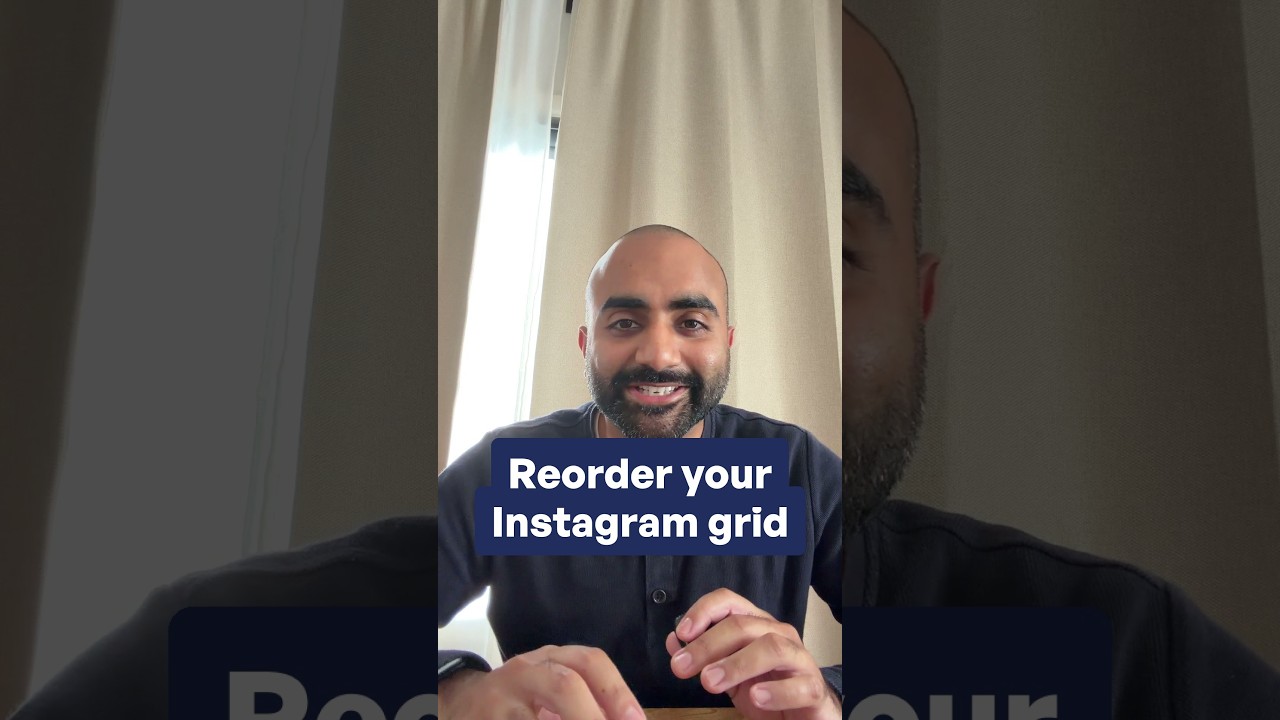


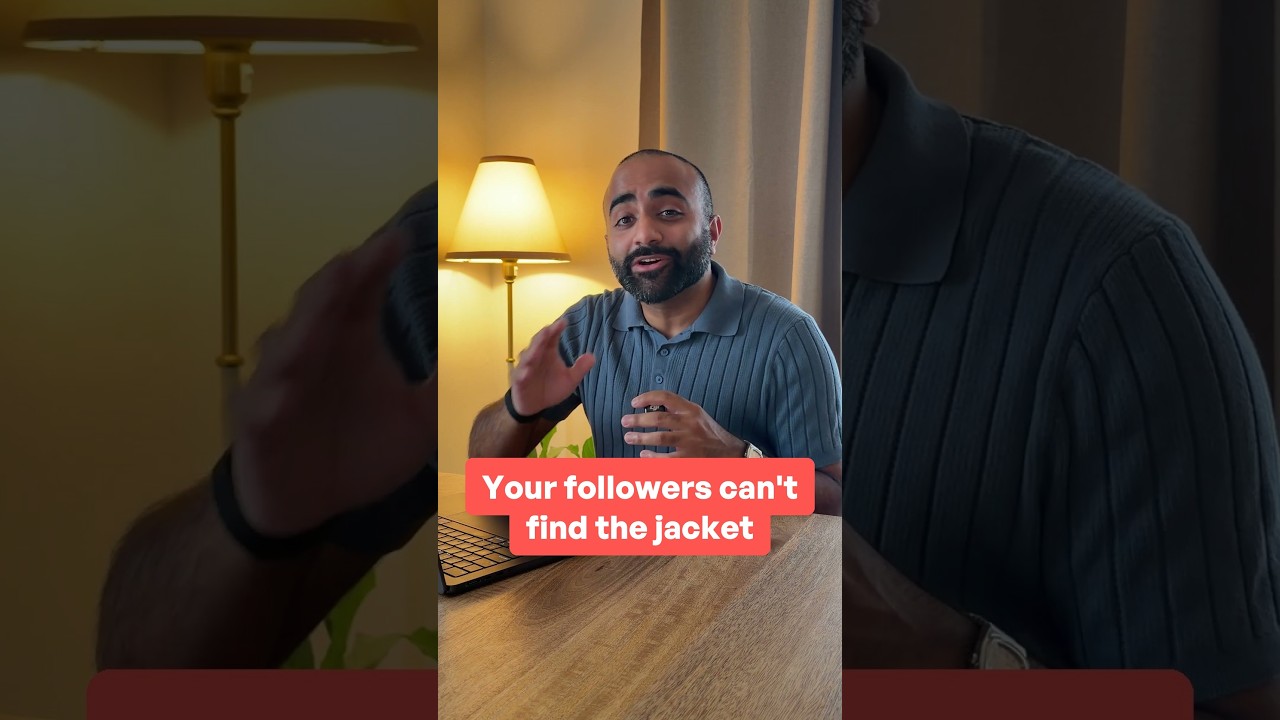





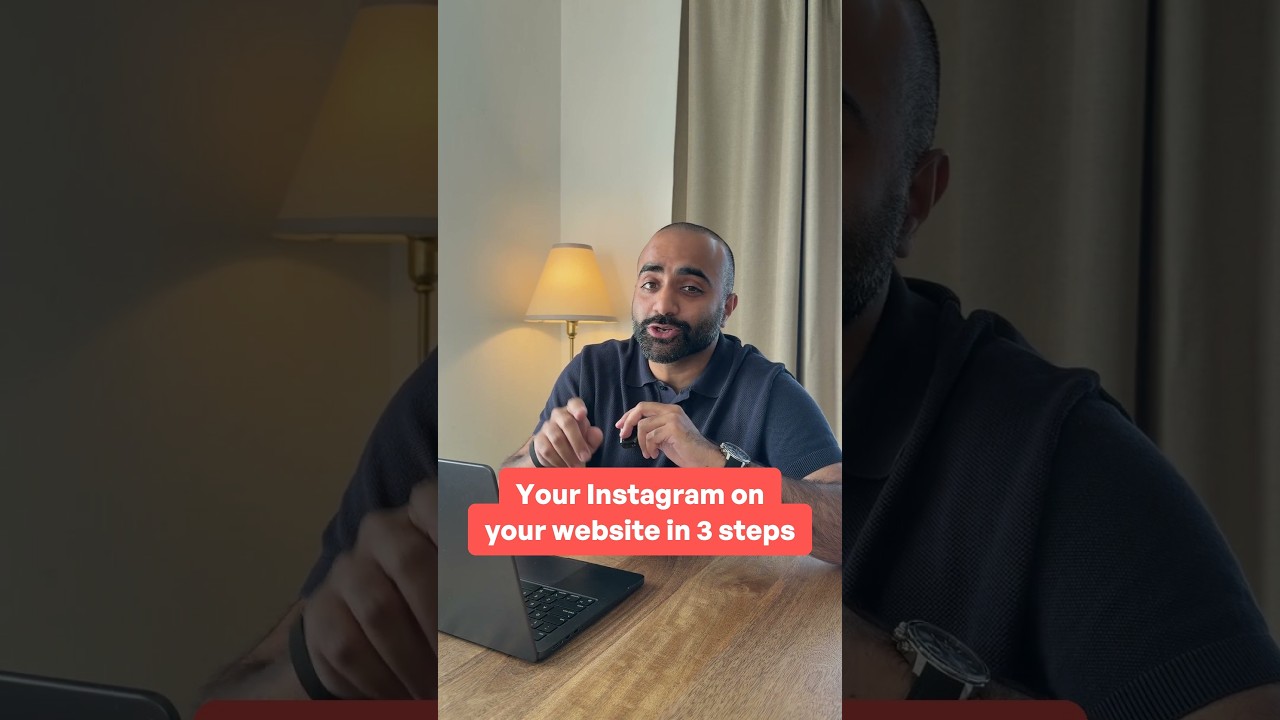



The tap on your bio link is the warmest visit your site gets.
Make that link in bio landing page match Instagram: newest Reels first, then one clear next step.
Works for studios, salons, coaches and trades who get most enquiries from Instagram.
What page does your bio …link open right now? #smashballoon #linkinbio #instagramtips #instagramforbusiness #smallbusinesswebsite

The tap on your bio link is the warmest visit your site gets.
Make that link in bio landing page match Instagram: newest Reels first, then one clear next step.
Works for studios, salons, coaches and trades who get most enquiries from Instagram.
What page does your bio …link open right now? #smashballoon #linkinbio #instagramtips #instagramforbusiness #smallbusinesswebsite

Where Your Link In Bio Should Actually Go
Trusted by over 150,000 users
 Rated 4.9/5 on
 WordPress




 (dandeibert)
 (FluidWebDev)
(theartisanslist)
 (QuarryAndCastle)
 (victoryfitclub)
(buscatlavida)
(genoq)
 (jennye)
 (Chachrist)
 (Tweets_Sander)

8 reasons why our customers love Twitter Feed Pro

We build our plugins so that anyone can use them. No complicated setup steps, no headaches.

All our plugins are highly customizable and provide tons of options to configure or style your feed.
Websites should be fast. That means your Twitter feed should be too. Speed is one of our top priorities.

All Twitter posts are embedded into your page source code equals regularly updated bot-readable content.

All of our plugins include integrations with popular privacy consent plugins and a one-click GDPR setting.
Easily remove posts from your feed you don't want to show, or create feeds of specially curated posts.

Built with rock solid reliability in mind so your feeds don't go down when the rest of the web does.

We're not just in the plugin business, we're in the customer support business! And pride ourselves on it.
Learn more about our feeds

Timeline Feeds
Twitter timeline feeds are a great way to keep your site updated with your latest brand updates without having to continually update your site. Just connect your Twitter account and you can then pull in Tweets from any public account on Twitter. Even combine multiple account timelines into a single power feed!
Twitter Slideshows
Use the Twitter Feed Pro plugin to create slideshow carousels of Tweets anywhere on your WordPress site. Customize the number of rows and columns, slide interval time, loop type, navigation display, and more, to showcase your content in a variety of ways.
Twitter Mention Feeds
Kind of a big deal? Display tweets by others that mention your Twitter handle, all in a single feed. It’s a great way to show social proof right on your site to help convert visitors where it matters most. Filter your feeds so only mentions that contain specific keywords are displayed, or exclude mentions which include specific words, to ensure the Tweets you want to display are included.

Aggregate social media content into an easy social media wall for WordPress
Ever wish you had an easy way to combine your social media feeds in one place?
With the Social Wall Pro, now you can!
Use Social Wall Pro to display social media feeds from Facebook, Instagram, Twitter, and YouTube on a centralized wall posted on your website.
This easy-to-use tool can help you boost your followers in all 4 platforms, increase user engagement and grow your business via successful social media marketing.
Boost Your Brand Awareness and Followers
Are you struggling to build your social media presence? You’re not alone.
Businesses like you need social media to grow. 51% of the world’s population now use social media, after all.
That’s why Social Wall Pro was made. The plugin helps you:
– Target your ideal audience: Social Wall Pro shows all your social media feeds to targeted traffic — website visitors who are already interested in your brand.
– Boost your brand awareness: The more people know you, the more likely they’ll trust you. Make your brand more consistent and recognizable by using Social Wall Pro to display a centralized wall with your top social media accounts on your website.
– Supercharge your social media followers: Get more followers on not just 1, but 4 social media accounts! Adding your social media feeds to WordPress gives your site visitors an easy way to follow and engage with you.
The result? The more your ideal audience engages with you and trusts your brand, the more likely they are to do business with you.
Frequently Asked Questions
What’s the main difference between Lite and Pro?
Lite allows you to display a basic user timeline with weekly updates. Pro increases update frequency to up to 24 times per day and unlocks hashtag feeds, advanced search feeds, media lightboxes, additional layouts, and moderation tools.
Can I display hashtag feeds with Pro?
Yes. Starting with the Plus plan, you can display tweets from specific hashtags, making it easy to showcase campaigns, events, or community conversations on your site.
Can visitors view photos and videos without leaving my website?
Yes. Pro allows you to display photos, videos, and GIFs in a popup lightbox so visitors can view media directly on your site instead of being redirected to X.
How do I know which plan to choose?
Choose Basic if you want faster updates, media lightboxes, and advanced layouts for one site. Plus is ideal if you need hashtag feeds. Elite is best for advanced search feeds, autoscroll loading, and priority support. If you manage multiple sites or use other Smash Balloon plugins, All Access offers the most value.

Start leveraging your Twitter feed to grow your business
Get started with your first feed in minutes