Social Wall
  Feed Analytics

The feed header aligns left by default. How to centre it using the Header Style setting in the Pro version.
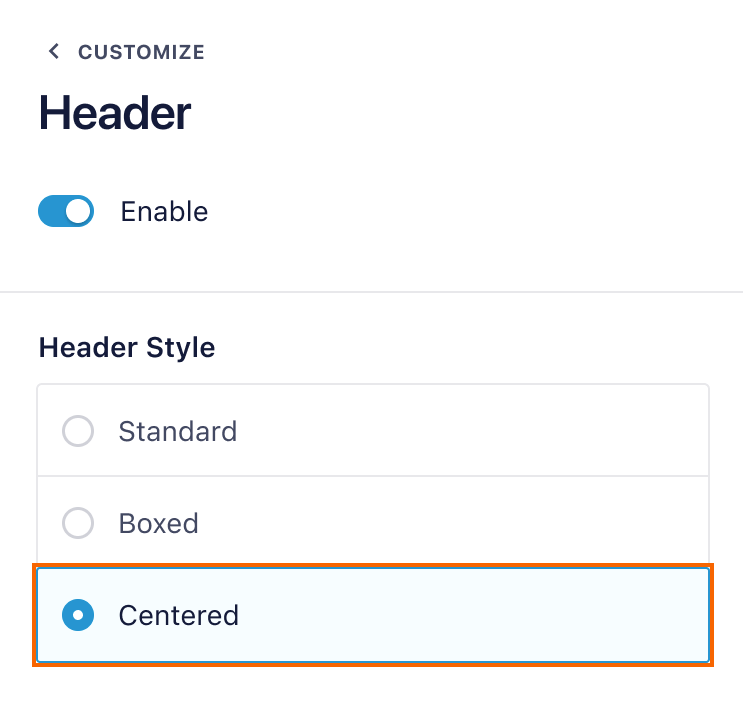
By default, the header image and text are aligned to the left. In the Pro version of the plugin you can center the header by going Instagram Feed > All Feeds > Feed Settings (pencil icon) > Customize tab > Header > Header Style and setting the style to Centered.