Social Wall
  Feed Analytics

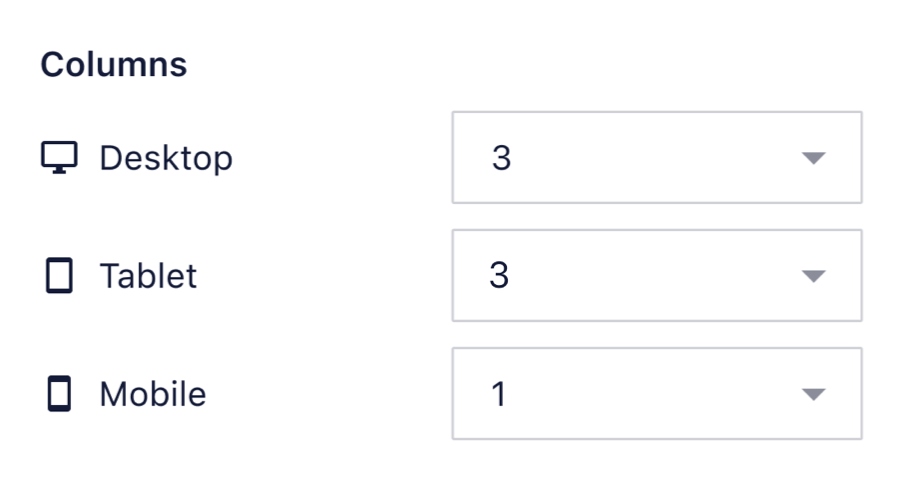
Setting the same number of columns on mobile as on desktop stops the feed reflowing on smaller screens.
To disable the responsive layout you can use the same number of columns on Mobile as in the Desktop configuration. This can be changed navigating to Instagram feed > All Feeds > Feed Settings (pencil icon) > Customize tab > Feed Layout > Columns.