Social Wall
  Feed Analytics

From version 1.5.0 TikTok images display in every modern browser, fixing the HEIC format problem.
Overview
Beginning with version 1.5.0, TikTok feed images will display properly across all modern browsers. Previously, some TikTok images were delivered in HEIC format, which is not supported by all browsers. As a result, certain images might not have appeared for visitors using browsers like Chrome, Edge, or Firefox. With version 1.5.0 and higher, this issue is resolved.
What Was Happening?
TikTok’s API often returns images in HEIC format (High Efficiency Image Container).
HEIC works well in Safari, but most other browsers do not support it natively. This meant:
- Images could appear correctly in Safari
- The same images might appear missing in Chrome, Edge, or Firefox
- Some users saw broken or blank image spaces in their TikTok feeds
What We Changed in Version 1.5.0
Starting in version 1.5.0, HEIC images are automatically converted to JPEG format in the background. JPEG is universally supported across browsers, which ensures your TikTok feeds display properly for all visitors. The conversion process is automatic and does not require any manual setup.
What This Means for You
✅ TikTok feed images now display consistently in all major browsers.
✅ No more missing images due to HEIC format.
✅ No settings changes are required.
✅ Improved cross-browser compatibility for all visitors.
Important: Check Your Plugin Version
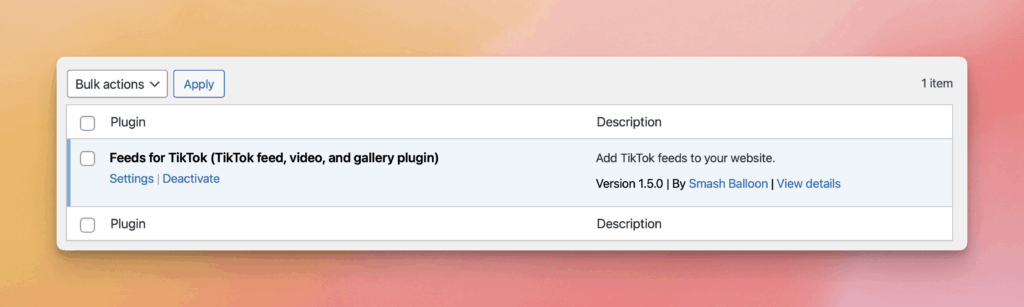
If you are reading this in the future and are still experiencing missing TikTok images, please make sure you are using version 1.5.0 or higher of the TikTok Feed plugin. You can check your installed version from your WordPress Plugins page. Updating to the latest version will ensure HEIC images are properly converted and displayed.
Will Image Quality Be Affected?
No noticeable quality loss should occur. Converted images maintain their visual integrity while ensuring compatibility across browsers.